TurtlePic helps individuals and photographers share photos from birthdays, anniversaries, reunions, baby showers, and private celebrations instantly where guests find only their own photos through AI face recognition, not the entire gallery.
Trusted by 1,000+ businesses










Intimate events generate some of the most personal and cherished photos of anyone’s life. These are celebrations shared among close friends and family where every photo carry emotional weight and every guest matters.
Getting these photos to the right people quickly and privately is where most hosts fall short. WhatsApp groups become chaotic. Google Drive links expose everyone’s photos to everyone. And the idea of a stranger stumbling across all photos every event host worry the most.
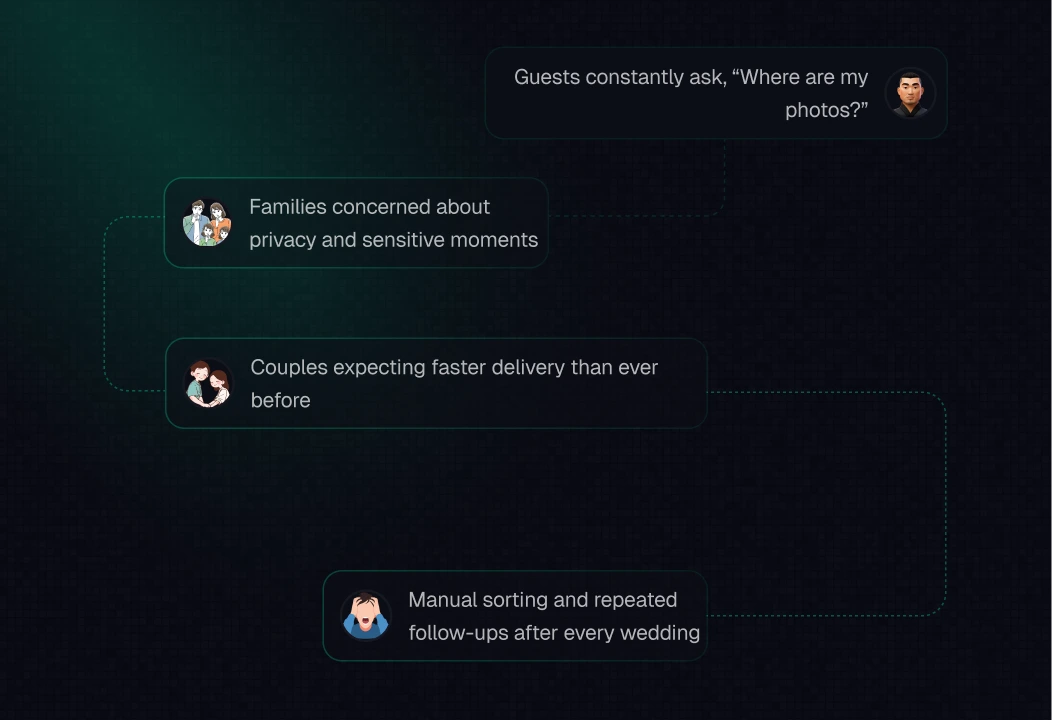
“Social and private events deserve the same photo delivery experience as any professional event – fast, personal, and completely private. TurtlePic makes that possible for anyone, not just photographers.”

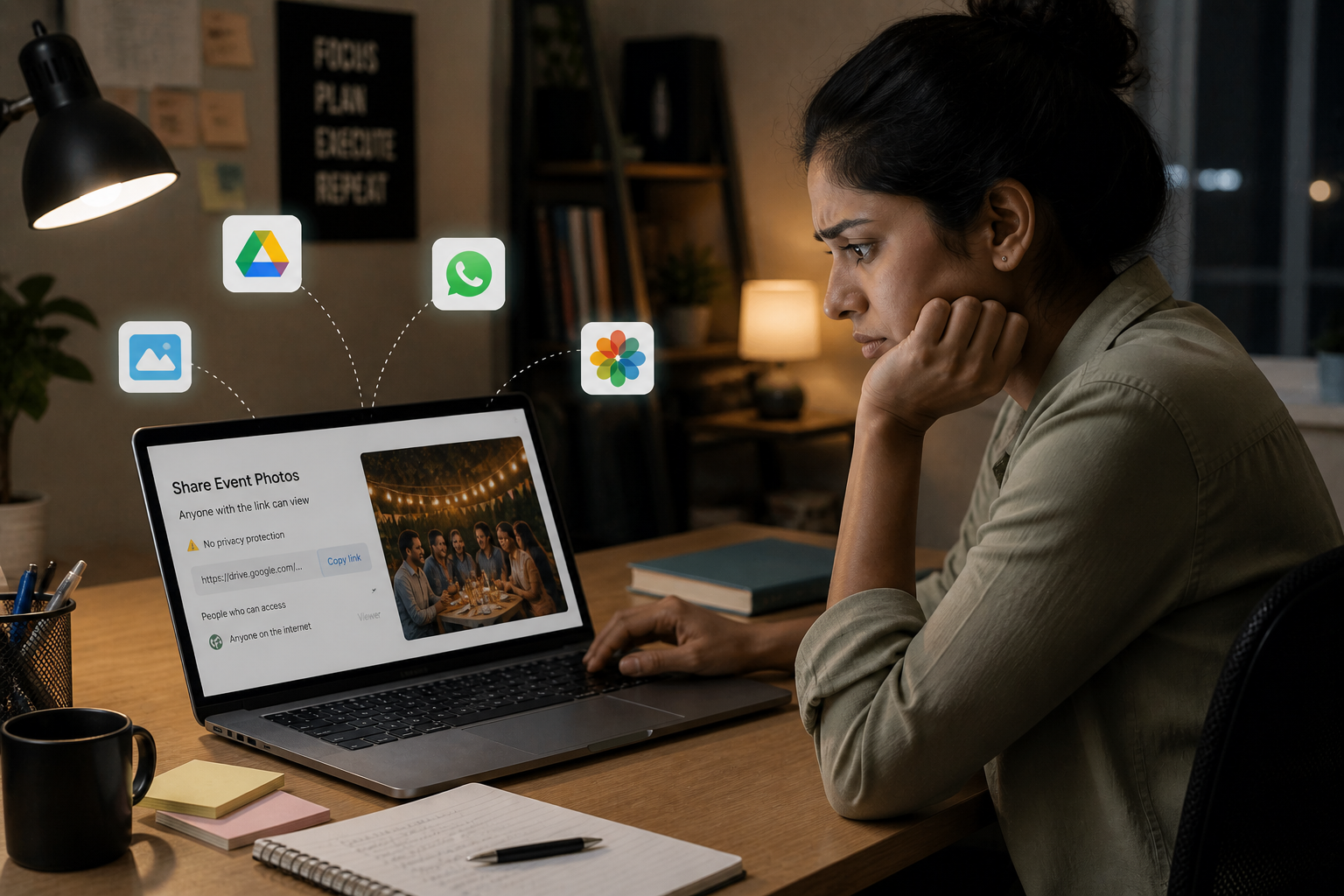
Most people share private event photos using tools that were never designed for intimate, privacy-sensitive gatherings.
TurtlePic simplifies social and private event photo sharing into a fast, guest-friendly, and completely private workflow. Designed for birthdays, anniversaries, baby showers, reunions, farewell parties, and any intimate personal celebration.
The host or photographer creates the event on TurtlePic and generates a unique QR code linked to the event gallery. The entire setup takes minutes and requires no technical knowledge.
QR codes are placed at the venue or shared digitally. Guests scan the code and register once. No app downloads required.
Once photos are ready, upload the full gallery to TurtlePic with privacy controls configured. TurtlePic's AI automatically maps every face in every photo to registered guests.
Unlike a Google Drive or WhatsApp link, opening the TurtlePic's Limited Access link does not give access to any photos. Guests must click a selfie to search for their own photos and only the photos they appear in become visible. If no photos of that guest exist, they see nothing at all.
Here is why individuals and photographers use TurtlePic for social and private event photo sharing.
Individuals and photographers are using TurtlePic’s AI photo sharing platform in different ways and we’re exploring more use cases with them.
Social and private events involve the most personal photos anyone will ever share. TurtlePic is built around a limited access link where guests cannot browse the full gallery – they must click a selfie to find their own photos. If no photos of them exist, they see nothing at all. Even if the link is forwarded to someone who was not at the event, they cannot access anything.

Still using WhatsApp groups and Drive links for sharing private event photos? Here is why TurtlePic is the better choice for social and private celebrations.


Stop sharing photos through chaotic WhatsApp groups and open Drive links. Deliver every guest their own photos – instantly, privately, and in full quality with limited access link. Start your free trial today or book a demo to see how TurtlePic transforms photo sharing for social and private events.


We understand that you might have some questions about using QR codes and AI for social & private event photo sharing. But we have all the answers you need!
No. Everything works directly in the browser without the hassle to download any mobile app. Additionally, you can decide what details guests need to mandatorily submit before accessing the photos (via the link shared by you).
Our AI model is tested over multiple public datasets with 5 Million+ total photos. The average accuracy was 99.9% . In real world testing across events like weddings, marathons etc, our AI model efficiently found guests’ photos from solo photos, group photos, side angle photos and even blurry photos. On a few occasions, we had to zoom into some photos to find where exactly the guest was present, and almost every time, AI managed to find the person in a cluttered photo, where the naked eye failed.
But don’t take our word for it. We encourage you to take the Free Trial and try the magic of AI yourself! 🙂
When you upload event photos to TurtlePic, we securely process them to help people find their own photos faster. Our AI detects faces in the photos and converts them into encrypted digital patterns (not actual images) that are used only for matching. These patterns cannot be viewed, reconstructed, or used outside TurtlePic.
Your photos and face data are never sold, shared, or used for advertising or training public AI models. All processing happens in a secure environment and is limited strictly to delivering TurtlePic’s photo discovery and privacy features.
No. TurtlePic retains the original resolution of all the photos you upload and share them at highest quality with all your guests.
When you want to share your event with limited access link, you just simply have to go to share event tab on your event dashboard and in there you can simply access the limited access link or full access link as per your preference.
The limited access link is ideal for event hosts who want guests to view only their own photos rather than the entire gallery. Whether to share the limited access link or the full access link depends entirely on the host’s preference for each event. Both links are generated automatically and are share-ready the moment any event is created on TurtlePic.
