Event photography has changed significantly over the past few years. Clients now expect faster delivery, consistent quality, and a smoother overall experience, even as event sizes and image volumes continue to grow.
Meeting these expectations with traditional, manual processes is no longer realistic. That’s where AI tools come in.
They help photographers move faster, reduce repetitive work, and deliver on client expectations without cutting corners on quality or creativity. However, not every AI tool delivers real value; some add friction rather than simplify your workflow.
To cut through the noise, this blog breaks down the best AI tools for event photographers, focused on editing, culling, delivery, organization, and client experience, so you can choose what actually makes a difference.
Top AI Tools for Event Photographers
Here are the top AI tools that help event photographers:
| Tool name | Use case | Key features |
| TurtlePic | Delivering event photos to guests instantly without manual sorting | AI face recognition, QR/selfie-based access, automated sorting, private galleries, white-label branding, secure storage, real-time analytics |
| Aftershoot | Speeding up culling and editing for high-volume photo shoots | AI culling, expression detection, style learning, batch edits, Lightroom integration |
| Photomyne | Digitizing and restoring printed photos and archives | Auto photo detection, AI restoration, colorization, cloud backup, mobile scanning |
| Google Nano Banana | Generating and editing images using text prompts | Text-to-image editing, background/object changes, scene creation, character consistency |
| Adobe AI | Professional photo editing at scale inside Adobe apps | Generative fill, smart masking, object removal, batch consistency, enterprise-grade security |
| Topaz Labs | Enhancing image quality and rescuing difficult shots | Sharpening, noise reduction, upscaling, RAW support, batch processing |
| Higgsfield | Turning event photos into cinematic video content | Camera motion effects, relighting, multiple angles, branding canvas tools |
| Skylum Luminar Neo | Fast AI-assisted photo editing with creative control | Portrait retouching, sky replacement, object removal, batch edits, non-destructive workflow |
| Imagen | Automating culling and editing for large event catalogs | Personal AI editing profile, smart culling, cloud processing, Lightroom Classic integration |
| ChatGPT | Handling admin, marketing, and planning for photographers | Email drafting, content creation, workflow planning, FAQs, tone adaptation |
1. TurtlePic
Photo sharing has been a long-standing pain point for event photographers.
Manually sorting thousands of images, responding to endless “Can you share my photos?” messages, and ensuring guests see only their own photos takes time and adds friction after every event.
TurtlePic solves this with AI-powered photo sharing built specifically for events. Using face recognition and QR-based access, it enables photographers and organizers to deliver photos without apps, logins, or manual sorting. Guests upload a selfie or scan a QR code and receive a private gallery containing only their photos.
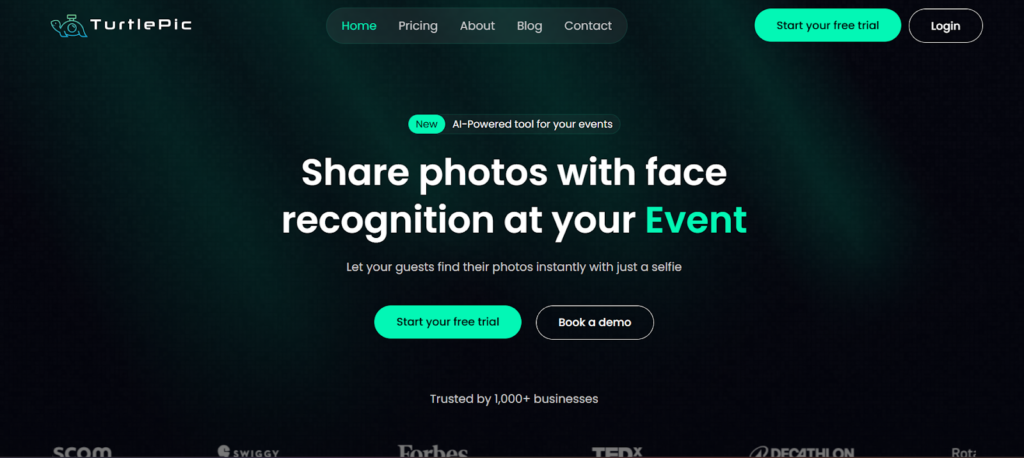
It is best for event photographers handling large guest volumes, such as weddings, marathons, corporate events, conferences, college festivals, and private gatherings, where fast delivery, privacy, and scale are essential.
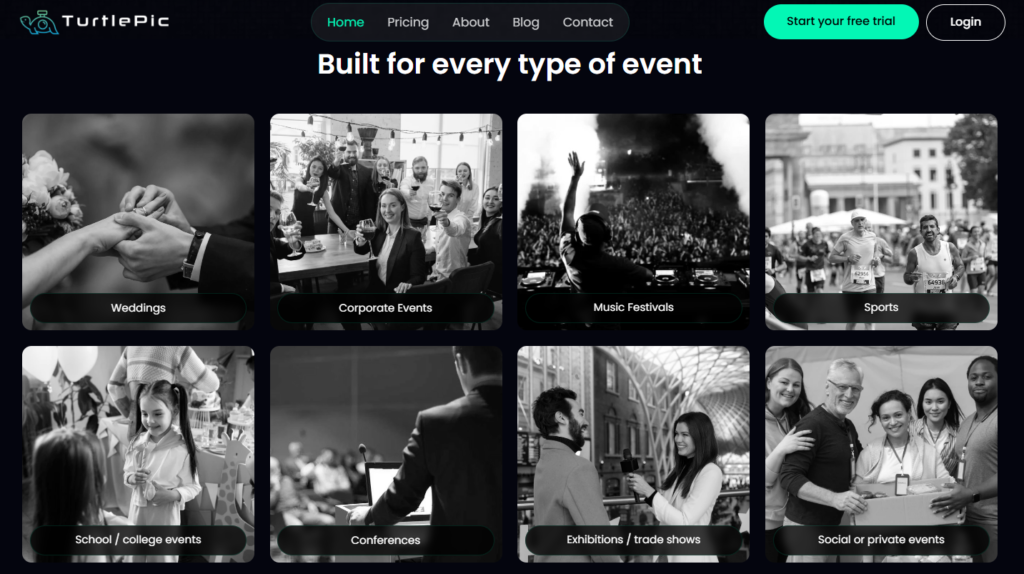
Key features:
- AI-powered face recognition that finds guests across group shots, low light, and partial angles
- Automated photo sorting and delivery, eliminating manual curation
- QR code and selfie-based access for instant guest onboarding
- Private galleries that ensure guests see only their own photos
- White-label galleries with custom branding, domains, and watermarks
- Secure storage with strict access controls and no data sharing
- Real-time analytics to track views, downloads, and guest engagement
Why TurtlePic Is the Best AI Tool for Event Photographers
TurtlePic offers 99.9% face recognition accuracy, making it a highly dependable photo-sharing solution. This reliability is a key reason why brands such as L’Oréal, Lakmé, Forbes, Swiggy, Mercedes-Benz, TEDx, Decathlon, and Toyota rely on it for large-scale events.
With strong privacy controls that limit access to personal photos and built-in branding options for polished galleries, TurtlePic simplifies post-event delivery. Combined with fast turnaround and easy guest access, it functions as a complete, end-to-end photo-sharing platform for event photographers.
2. Aftershoot
Aftershoot is an AI-powered post-processing tool that helps photographers cull, edit, and retouch photos in a fraction of the time. It scans large image sets to remove duplicates, blurs, and missed expressions, then applies consistent edits based on your style.
Key features:
- AI culling that removes blurry shots, duplicates, and closed eyes
- Facial expression detection to surface the strongest moments
- Learns your editing style for consistent results across shoots
- Smart AI editing with presets and batch processing
- Seamless integration with Lightroom and existing workflows
Best for: Wedding, event, and portrait photographers handling high-volume shoots and tight turnaround times.
3. Photomyne
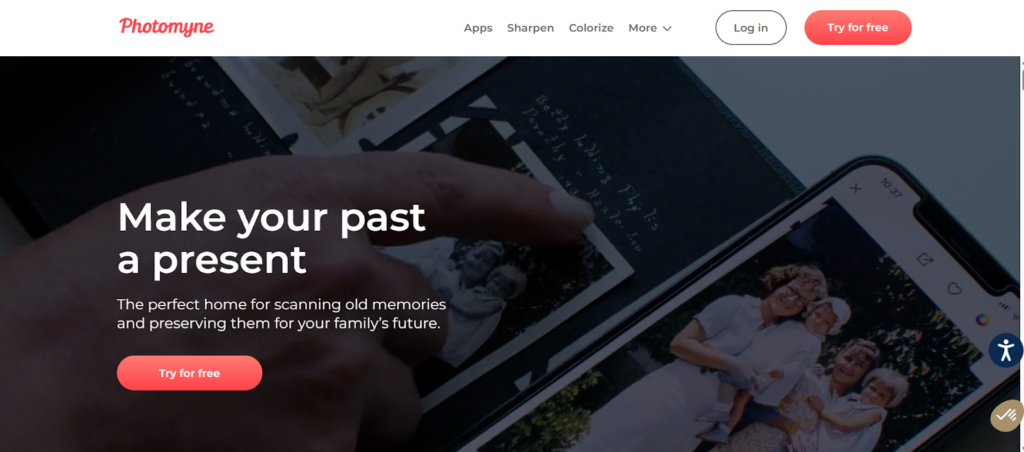
Photomyne is an AI-powered photo-scanning and restoration tool designed to digitize printed photos, albums, slides, and negatives. It automates the scanning process by detecting multiple photos at once, cropping them accurately, and enhancing image quality to bring old memories back to life.
Key features:
- Automatic cropping, rotation, and perspective correction
- AI enhancement to fix fading, blur, and color loss
- Black-and-white photo colorization
- Cloud backup for storing and accessing digitized images
- Mobile-first experience for quick and easy scanning
Best for: Archival, family history, documentary, and heritage photographers preserving physical photo collections.
4. Google’s Nano Banana
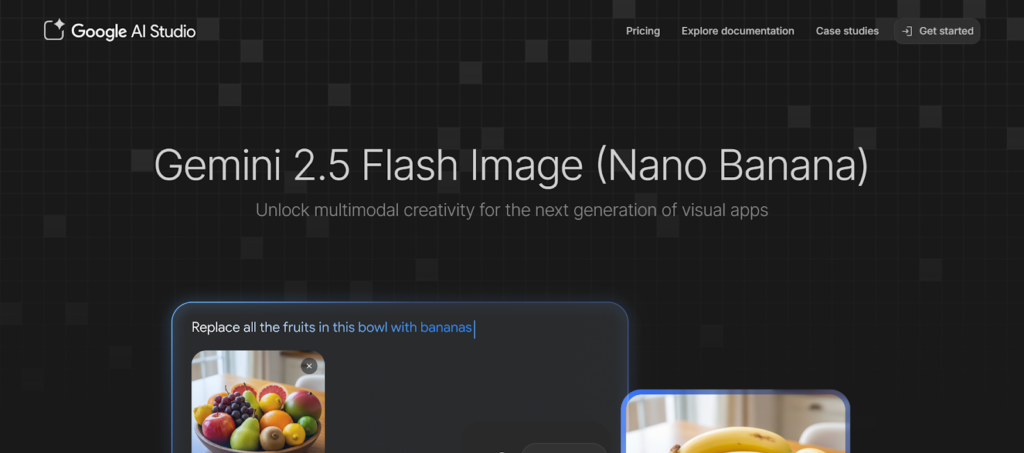
Google’s Nano Banana is an advanced AI-powered image generation and editing tool built on Google’s Gemini models. It allows photographers to generate, edit, and manipulate images using simple text prompts, functioning like a browser-based Photoshop with high creative control.
Key Features:
- AI-driven image generation and editing from text prompts
- Seamless background changes, object removal, and scene creation
- Strong character consistency across multiple images
- Ability to blend, extend, or modify existing photos naturally
Best for: Photographers and creators working on concept development, product shots, mood boards, and complex image compositions.
5. Adobe AI
Adobe AI powers many of Adobe’s creative tools, helping photographers edit faster, create consistently, and scale content without sacrificing control. Built directly into apps like Photoshop and Lightroom, it uses AI to automate complex edits while maintaining natural, professional results.
Key features:
- AI-powered object removal, background replacement, and generative fill
- Smart masking and subject detection for faster edits
- Generative expand and scene-aware enhancements
- Consistent results across large photo sets
- Enterprise-grade security and commercially safe AI models
Best for: Professional photographers, studios, and teams that need reliable, high-quality editing at scale for events, commercial, and brand work.
6. Topaz Labs
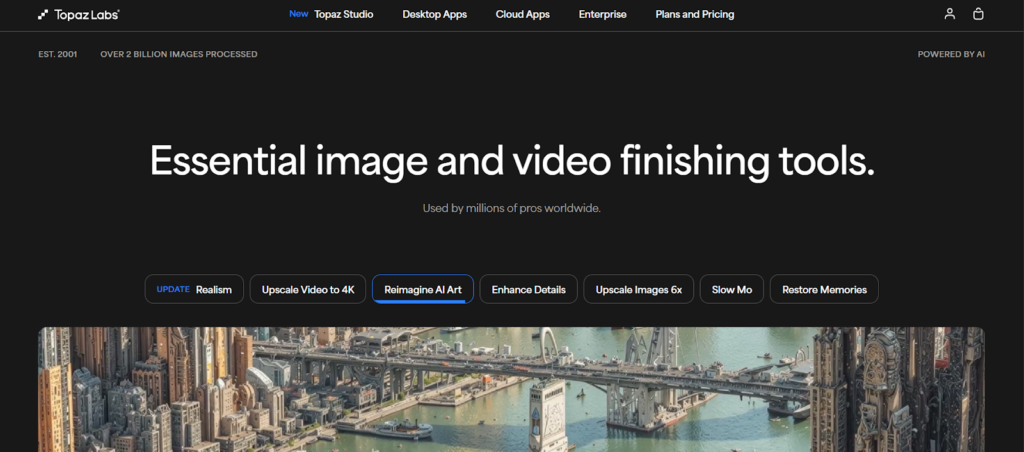
Topaz Labs is an AI-powered image enhancement tool focused on improving image quality. It helps photographers fix blur, reduce noise, and upscale images while preserving natural detail, making it especially useful for rescuing challenging or low-quality shots.
Key features:
- AI-based sharpening and motion blur correction
- Advanced noise reduction for low-light images
- High-quality upscaling without visible quality loss
- Supports RAW files for professional workflows
- Batch processing for faster delivery
Best for: Wildlife, landscape, product, and event photographers who need to enhance image clarity and salvage difficult shots.
7. Higgsfield
Higgsfield is an AI-powered video tool that helps event photographers turn still photos into cinematic video content. It adds controlled camera movement, angles, lighting, and motion effects, making it easier to create highlight clips, social reels, and promotional visuals from event photos.
Key features:
- Generates multiple cinematic angles from a single event photo
- Adds smooth camera movements like zooms and dollies to static images
- AI relighting to recreate or enhance event lighting conditions
- Canvas tools to remove distractions or add branded elements
- Consistent subject rendering across multiple visuals
Best for: Event photographers who want to create engaging reels, highlights, and social media content without shooting a separate video.
8. Skylum (Luminar Neo)
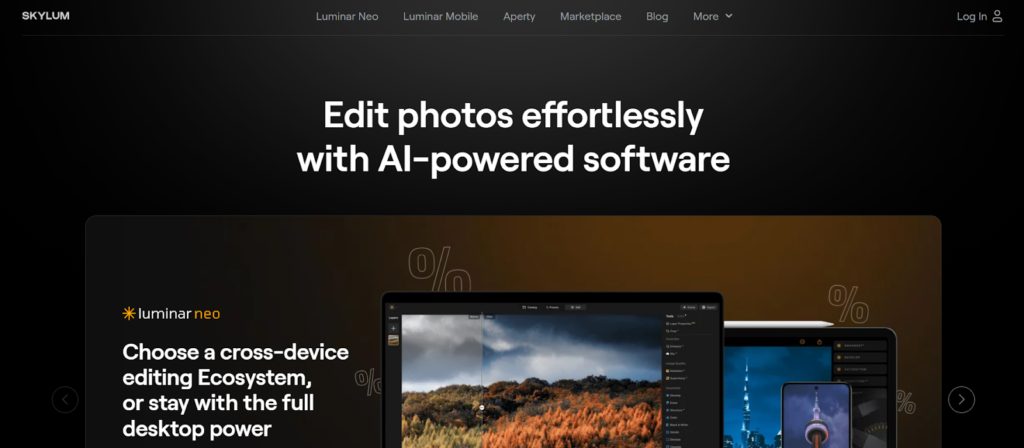
Skylum’s Luminar Neo is an AI-powered photo editing tool designed to speed up everyday editing tasks without sacrificing creative control. It uses intelligent automation to handle common event photography edits, such as exposure correction, background cleanup, portrait retouching, and batch processing.
Key features:
- AI-powered tools for skin retouching, face enhancement, and background removal
- One-click AI adjustments for color, contrast, and lighting
- Sky replacement and object removal for quick scene fixes
- Batch editing to maintain consistency across large event galleries
- Non-destructive editing with RAW file support
Best for: Event and portrait photographers who want fast, AI-assisted edits with minimal manual effort.
9. Imagen
Imagen is an AI-powered post-production tool built for high-volume photography workflows. It integrates directly with Lightroom and learns your editing style to automatically cull and edit large batches of photos with speed and consistency.
Key features:
- Personal AI Profile that learns and replicates your editing style
- AI-powered culling to detect blur, closed eyes, and duplicates
- Dynamic edits per photo, not one-size-fits-all presets
- Cloud-based processing to handle large event catalogs quickly
- Lightroom Classic integration for seamless review and delivery
Best for: Event, wedding, and high-volume photographers who need fast, consistent editing across thousands of images.
10. ChatGPT
ChatGPT helps event photographers handle the work that happens off-camera. From writing client emails and contracts to planning delivery timelines, captions, and blog content, it supports the business and communication side of event photography.
Key features:
- Drafts clear client emails, proposals, and follow-ups
- Creates captions, blogs, and website content for event promotion
- Helps organize workflows, shot lists, and delivery plans
- Assists with pricing explanations, FAQs, and client education
- Adapts tone to match your brand and communication style
Best for: Photographers who want to streamline admin, marketing, and planning tasks while staying focused on shooting and delivery.
Why Event Photographers Are Turning to AI Tools
Here’s why event photographers are turning to AI tools:
- Higher photo volumes per event: Modern events generate thousands of images, making manual culling, editing, and organization time-consuming and inefficient.
- Faster turnaround expectations: Clients and guests now expect photos within hours or days, not weeks, pushing photographers to speed up delivery without dropping quality.
- Guest access and delivery challenges: Sharing photos securely with large groups while maintaining privacy has become a major post-event bottleneck.
- Scaling without burnout: AI helps photographers take on more events and clients without increasing late nights or repetitive post-production work.
What to Look for in an AI Tool for Event Photography
Here’s what to look for in an AI tool for event photography:
1. Automation vs control
The best AI tools automate repetitive tasks like culling, sorting, and basic edits while still giving you full control over creative decisions and the final output.
2. Accuracy at scale
Event photography demands tools that perform reliably across thousands of images, maintaining consistency without missing key moments or faces.
3. Privacy and security
With large guest lists involved, strong privacy controls are essential to ensure that guests can access only their own photos and that their data stays protected.
4. Ease of use for guests
Guest-facing tools should be simple, requiring no apps, logins, or technical steps that slow down access or create confusion.
5. Speed of delivery
Fast processing and instant sharing are critical, especially for events where timely delivery directly impacts client satisfaction.
Common Mistakes Photographers Make When Using AI Tools
Here are the common mistakes photographers make while using AI tools:
- Over-automation: Relying too heavily on AI can yield generic results and reduce creative control.
- Ignoring privacy: Using tools without robust access controls can compromise guest photos and trust.
- Choosing generic tools: Not all AI tools are built for event workflows, and general-purpose solutions often fall short at scale.
- Poor client communication: Failing to explain how AI is used can confuse clients and set the wrong expectations.
Conclusion
AI gives event photographers a clear edge by speeding up workflows and improving delivery without compromising creativity. The right tools make it easier to handle large events, meet tight timelines, and elevate the client and guest experience.
Choose AI tools that align with your event scale and workflow needs. If photo sharing is your biggest bottleneck, TurtlePic offers a fast, private, and seamless way to deliver event photos and keep guests satisfied.