Event photography is not just about clicking great photos. Once the event is over, the real work begins. You come back with hundreds or sometimes thousands of photos that need to be culled, edited, and delivered to clients and guests within a tight deadline. The editing app you choose directly impacts how fast you work, how consistent your photos look, and how smoothly your entire post-event workflow runs.
With so many photo editing apps available in 2026, choosing the right one can feel overwhelming. Some are built for speed, some for precision, and some for creative control. But for event photographers, the priority is clear – you need an app that handles high volumes, supports RAW files, allows batch editing, and keeps your workflow moving without slowing you down.
In this guide, we break down the best photo editing apps for event photographers in 2026 – covering features, pricing, and which app suits which type of event photography best.
How the Best Photo Editing App Fits Into an Event Photographer’s Workflow
Before picking any editing app, it helps to understand where editing sits in the overall event photography workflow. A typical event photographer goes through four key stages after every shoot.
Culling
The first step after any event shoot is culling – going through every photo and selecting the best ones to edit. This stage alone can take hours when working with a large event. A good editing app either has a built-in culling feature or integrates seamlessly with dedicated culling tools.
Editing
Once the best photos are selected, editing begins. This is where color correction, exposure adjustments, skin retouching, and overall photo enhancement happens. For event photographers, speed and consistency across hundreds of photos matters most here – not spending an hour perfecting a single image.
Exporting
After editing, photos need to be exported in the right format and resolution. For event photographers, this usually means exporting in high resolution for print and a web-optimized version for digital delivery – sometimes both simultaneously.
Delivering
The final and most important stage for clients and guests is delivery. Edited photos need to reach the right people – fast, in original quality, and without a complicated process. This is a stage most editing apps completely ignore, and it’s where many event photographers lose time and create frustration for their clients.
Understanding this workflow is important because the best photo editing app for event photographers is not just the one with the most features — it’s the one that fits smoothly into every stage of this process.
What to Look for in a Photo Editing App for Event Photographers
Not every photo editing app is built for the demands of event photography. Here are the key things to look for before choosing one:
Batch Editing Support
Event photographers work with hundreds of photos from a single shoot. An app that forces you to edit one photo at a time is simply not practical. Batch editing — applying the same adjustments or presets across multiple photos at once — is non-negotiable for event work.
RAW File Support
Shooting in RAW gives photographers maximum control during editing. The best photo editing app for event photographers must support RAW files natively, allowing full control over exposure, white balance, and detail recovery without any quality loss.
Preset and Profile Support
Presets allow event photographers to apply a consistent look across an entire gallery with a single click. This is one of the biggest time-savers in event photo editing and a feature every serious editing app should offer.
Speed and Performance
When you have 2,000 photos to edit before a client deadline, the app’s speed matters as much as its features. Apps that are slow to load, lag during edits, or crash under heavy file loads are simply not suitable for professional event work.
Mobile Accessibility
Many event photographers edit on the go – on a laptop between events or even on a tablet. An app that works seamlessly across desktop and mobile without losing functionality gives you the flexibility to work from anywhere.
Pricing
Editing apps range from completely free to expensive monthly subscriptions. For event photographers running a business, the pricing model matters – whether it is a one-time purchase, a monthly subscription, or a free tool with paid upgrades.
Top 10 Best Photo Editing Apps for Event Photographers in 2026
After testing and researching the most widely used tools in the photography industry, here are the top 10 best photo editing apps for event photographers in 2026 – ranked based on performance, batch editing capability, RAW support, and overall value for event photography workflows.
1. Adobe Lightroom
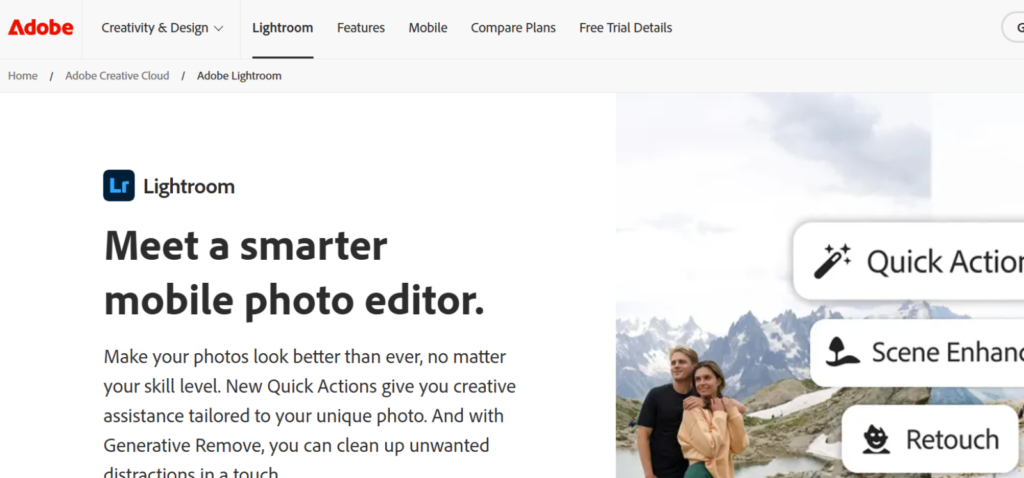
Adobe Lightroom is widely regarded as the go-to photo editing app for event photographers and for good reason. It is built around the idea of managing and editing large volumes of photos efficiently – which is exactly what event photography demands. From weddings and corporate events to marathons and concerts, Lightroom handles high photo volumes without breaking a sweat.
What makes Lightroom stand out for event photographers is its batch editing capability. You can edit one photo, sync those adjustments across hundreds of images, and maintain a consistent look throughout the entire gallery. Combined with preset support, Lightroom can cut down editing time from hours to minutes.
Lightroom also supports RAW files natively, giving photographers full control over exposure recovery, white balance, and color grading. The mobile version works seamlessly with the desktop, allowing edits to sync across devices in real time.
- Best For: Wedding, corporate, and large-scale event photographers
- Key Features: Batch editing, RAW support, preset sync, cloud storage, mobile access
- Pricing: Starts at $9.99/month (Photography Plan)
Platforms: Windows, macOS, iOS, Android
2. Adobe Photoshop
While Lightroom handles the bulk of event photo editing, Adobe Photoshop steps in when precision is needed. For event photographers who need to retouch specific images – removing background distractions, fixing lighting on a key portrait, or creating a polished hero shot for a corporate client – Photoshop is unmatched.
Photoshop and Lightroom work together seamlessly. You can open any image directly from Lightroom into Photoshop, make detailed edits, save it, and have it appear right back in your Lightroom catalog. For event photographers who deliver both a full gallery and selected hero images, this combination covers every need.
It is worth noting that Photoshop is not ideal for batch editing large event galleries on its own. Its strength lies in individual image precision, which is why most event photographers use it alongside Lightroom rather than as a standalone tool.
- Best For: Portrait retouching, hero shot editing, commercial event photography
- Key Features: Layers, masks, AI-powered tools, advanced retouching, sky replacement
- Pricing: Included in Adobe Photography Plan at $9.99/month
Platforms: Windows, macOS, iOS (iPad)
3. Capture One
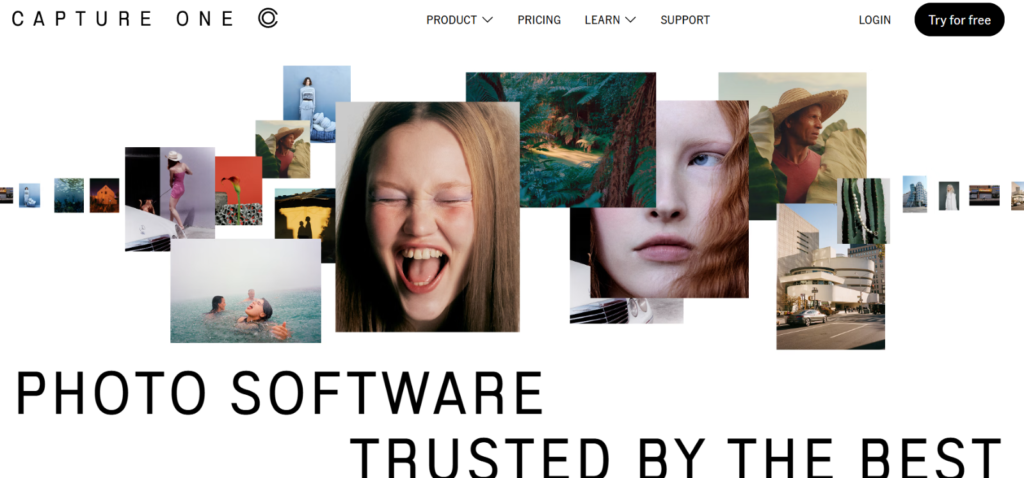
Capture One is the preferred choice for high-end event and commercial photographers who demand the best possible RAW processing quality. Its color grading tools are widely considered superior to Lightroom, and its tethered shooting capability makes it a favorite for studio-based event setups.
For event photographers who shoot in complex lighting conditions — ballrooms, outdoor evenings, or mixed artificial light environments — Capture One’s color science and noise handling give noticeably better results straight out of the app. It also supports powerful batch editing through styles and layers.
The trade-off is the learning curve. Capture One’s interface is more complex than Lightroom and takes time to get comfortable with. It is best suited for experienced photographers who are willing to invest time learning the software in exchange for exceptional image quality.
- Best For: High-end weddings, commercial events, studio-based event photography
- Key Features: Superior RAW processing, tethered shooting, advanced color grading, batch editing
- Pricing: Starts at $24/month or one-time purchase at $299
- Platforms: Windows, macOS, iOS (iPad)
4. Snapseed
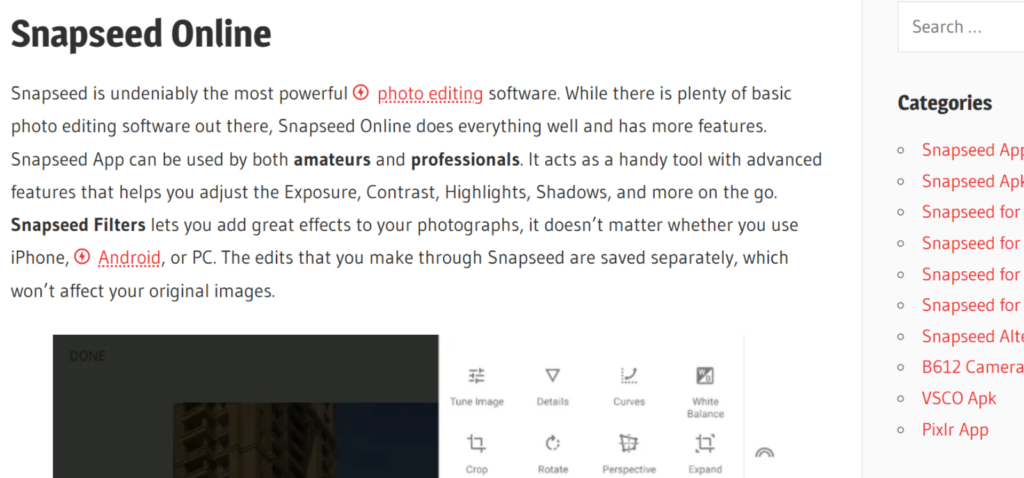
Snapseed is one of the most powerful free photo editing apps available and a strong option for event photographers who need a reliable mobile editing tool. Developed by Google, it offers a surprisingly deep set of editing tools including selective adjustments, curves, healing, and a wide range of filters – all completely free.
For event photographers who need to do quick edits on their phone between events, or deliver a few preview images to clients on the same day of the shoot, Snapseed is an excellent mobile companion. It supports both JPG and RAW files, which is impressive for a free app.
The limitation is that Snapseed does not offer true batch editing. You can copy and paste edits from one photo to another, but it is not built for processing hundreds of images at once. It works best as a mobile companion tool rather than a primary editing app for large events.
- Best For: Mobile editing, quick preview deliveries, beginner event photographers
- Key Features: Selective editing, RAW support, healing tool, free to use
- Pricing: Completely free
- Platforms: iOS, Android
5. Luminar Neo
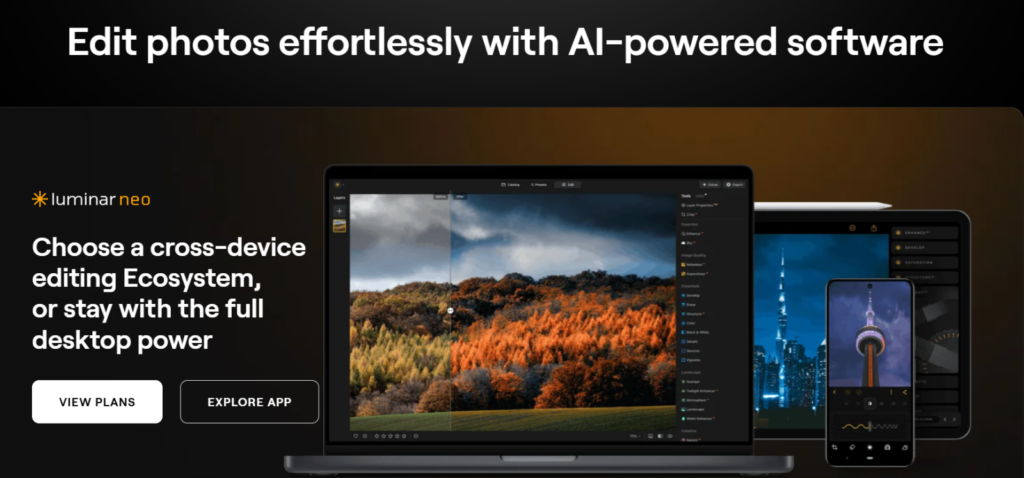
Luminar Neo brings artificial intelligence into photo editing in a way that genuinely saves event photographers time. Features like AI sky replacement, AI portrait enhancement, and one-click background removal make it a strong choice for photographers who want polished results without spending hours on manual adjustments.
For event photographers who shoot weddings or outdoor events, Luminar Neo’s sky replacement tool can transform a dull overcast sky into something dramatic in seconds. The portrait enhancement tools are equally impressive – smoothing skin, brightening eyes, and refining facial features automatically.
Luminar Neo works well as a standalone editing app or as a plugin for Lightroom and Photoshop, giving photographers flexibility in how they incorporate it into their existing workflow.
- Best For: Wedding photographers, outdoor event photography, AI-assisted editing
- Key Features: AI sky replacement, portrait AI, background removal, preset library
- Pricing: $9.95/month or one-time purchase from $79
- Platforms: Windows, macOS
6. VSCO
VSCO is widely known for its exceptional film-inspired presets and color profiles. For event photographers who want a distinctive, consistent aesthetic across their galleries — particularly for lifestyle events, fashion shoots, or social media-focused deliveries — VSCO delivers a look that is hard to replicate with other apps.
Beyond presets, VSCO offers solid editing tools including HSL adjustments, grain, fade, and skin tone controls. The mobile app is smooth and intuitive, making it a good option for photographers who edit primarily on their phone or tablet.
VSCO is not the strongest choice for heavy batch editing or RAW-intensive workflows, but for event photographers focused on a specific creative style and quick mobile edits, it remains one of the best photo editing apps available.
- Best For: Lifestyle events, social media-focused event photography, mobile editing
- Key Features: Film presets, HSL controls, grain and fade effects, mobile-first design
- Pricing: Free basic version; VSCO Pro at $29.99/year
- Platforms: iOS, Android
7. Picsart
Picsart has evolved from a casual editing app into a genuinely capable tool for event photographers who need quick creative edits on mobile. It combines photo editing, graphic design, and AI-powered tools in a single platform – making it useful for photographers who also create event promotional content alongside their photography.
For event photographers who deliver both edited photos and designed content — social media posts, event highlights, or promotional graphics – Picsart eliminates the need for multiple apps. Its AI background remover, object eraser, and one-tap enhancement tools make quick work of event photos that need fast turnaround.
- Best For: Social media content creators, mobile-first event photographers, quick creative edits
- Key Features: AI background remover, object eraser, collage maker, design templates
- Pricing: Free basic version; Picsart Gold at $4.66/month
Platforms: iOS, Android, Web
8. Affinity Photo
Affinity Photo is the strongest Photoshop alternative for event photographers who want professional-grade editing tools without a monthly subscription. It offers layers, masks, RAW editing, HDR merging, and panorama stitching – all in a one-time purchase model that is significantly more affordable than Adobe’s subscription plans.
For event photographers who are comfortable with a Photoshop-style workflow but want to avoid recurring costs, Affinity Photo is an excellent long-term investment. It performs particularly well on iPad, making it a solid choice for photographers who edit on the go.
The only notable limitation is that Affinity Photo does not include a photo library or organization system, so you will still need a separate tool for managing and culling large event galleries.
- Best For: Budget-conscious event photographers, Photoshop-style editing without subscription
- Key Features: Layers, RAW editing, HDR merging, non-destructive editing, iPad support
- Pricing: One-time purchase at $69.99
Platforms: Windows, macOS, iOS (iPad)
9. DxO PhotoLab
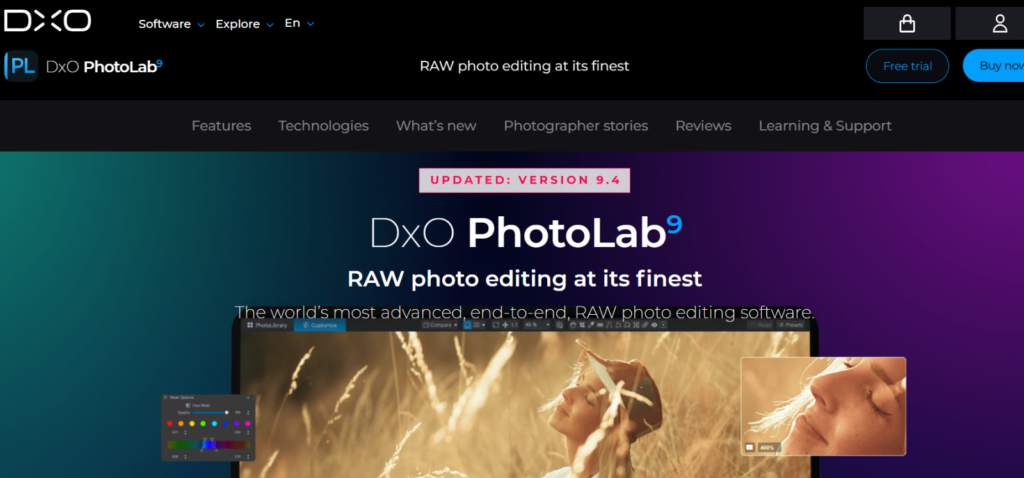
DxO PhotoLab is the specialist’s choice when it comes to RAW image quality and noise reduction. Its DeepPRIME denoising technology is widely considered the best in the industry – capable of making photos shot in low light look like they were captured in perfect conditions.
For event photographers who regularly shoot in challenging lighting – indoor receptions, evening galas, or dimly lit corporate dinners – DxO PhotoLab can rescue photos that would otherwise be unusable. Many photographers use it specifically to pre-process RAW files before bringing them into Lightroom for final editing.
- Best For: Low-light event photography, RAW quality optimization, noise reduction
- Key Features: DeepPRIME noise reduction, lens corrections, optical sharpening, color grading
- Pricing: One-time purchase from $229
- Platforms: Windows, macOS
10. Darktable
Darktable is the best free photo editing app for event photographers who want a full-featured, professional-grade tool without spending anything. It is an open-source alternative to Lightroom that supports RAW files, non-destructive editing, and a complete photo management system.
The learning curve is steeper than most apps on this list, and the interface is less intuitive than Lightroom. However, for photographers on a tight budget who are willing to invest time learning the software, Darktable delivers capabilities that would otherwise cost hundreds of dollars per year.
- Best For: Budget photographers, open-source enthusiasts, beginners learning RAW editing
- Key Features: RAW support, non-destructive editing, photo management, completely free
- Pricing: Free
- Platforms: Windows, macOS, Linux
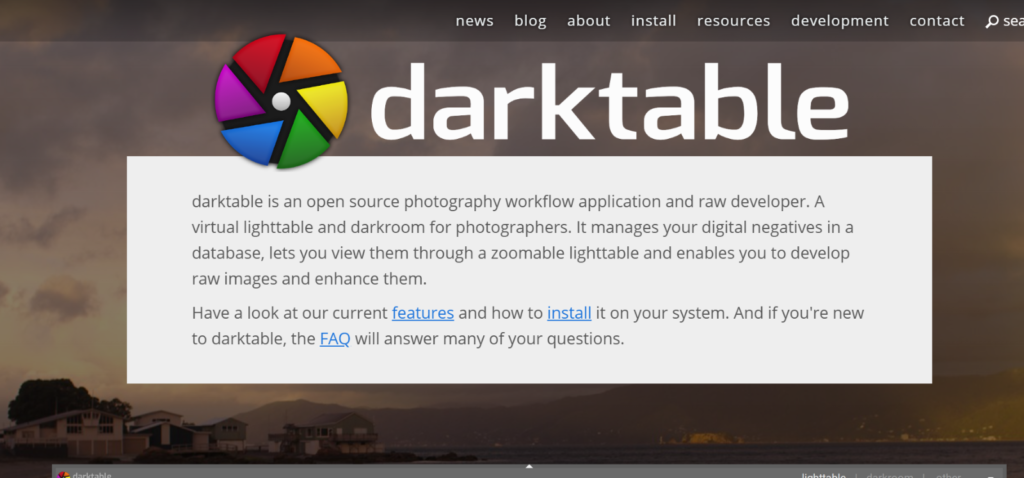
Photo Editing App for Event Photographers – Quick Comparison
Choosing the right photo editing app comes down to your specific needs as an event photographer. Here is a quick side-by-side comparison of all 10 apps to help you decide at a glance:
| App | Best For | Batch Editing | RAW Support | Mobile App | Pricing |
| Adobe Lightroom | All-round event editing | ✅ Yes | ✅ Yes | ✅ Yes | $9.99/month |
| Adobe Photoshop | Precision & retouching | ❌ Limited | ✅ Yes | ✅ iPad only | $9.99/month |
| Capture One | High-end RAW editing | ✅ Yes | ✅ Yes | ✅ iPad only | $24/month or $299 one-time |
| Snapseed | Mobile quick edits | ❌ Limited | ✅ Yes | ✅ Yes | Free |
| Luminar Neo | AI-powered editing | ✅ Yes | ✅ Yes | ❌ No | From $79 one-time |
| VSCO | Film presets & aesthetics | ❌ Limited | ❌ No | ✅ Yes | Free / $29.99/year |
| Picsart | Social media content | ❌ Limited | ❌ No | ✅ Yes | Free / $4.66/month |
| Affinity Photo | Budget Photoshop alternative | ❌ Limited | ✅ Yes | ✅ iPad only | $69.99 one-time |
| DxO PhotoLab | Low-light RAW optimization | ✅ Yes | ✅ Yes | ❌ No | From $229 one-time |
| Darktable | Free professional editing | ✅ Yes | ✅ Yes | ❌ No | Free |
Looking at the table, it is clear that Adobe Lightroom leads as the most well-rounded photo editing app for event photographers – offering batch editing, RAW support, mobile access, and a reasonable monthly price. However, the right choice ultimately depends on your workflow, budget, and the type of events you shoot most frequently.
Which Photo Editing App Should Event Photographers Choose?
There is no single best photo editing app for every event photographer. The right choice depends on the type of events you shoot, your editing style, your budget, and how you deliver photos to your clients. Here is a breakdown by photographer type to help you make the right decision:
For Wedding Photographers
Wedding photography involves some of the highest photo volumes of any event type – often 1,500 to 3,000 images from a single wedding day. Speed, consistency, and color accuracy are everything. Adobe Lightroom is the strongest choice here, with Luminar Neo as a powerful companion for AI-assisted edits like sky replacement and portrait enhancement. For photographers who need pixel-level retouching on key portrait shots, pairing Lightroom with Photoshop covers every need a wedding photographer could have.
For Corporate Event Photographers
Corporate event photography demands a clean, professional look with fast turnaround times. Clients in the corporate world expect polished galleries delivered quickly – sometimes within 24 to 48 hours of the event. Adobe Lightroom’s batch editing capability makes it the most practical choice, while Capture One is worth considering for photographers who shoot tethered in studio-style corporate setups and need the best possible color accuracy.
For Sports and Marathon Photographers
Sports and marathon photography generates an extremely high volume of photos – sometimes tens of thousands from a single event. The priority here is speed above everything else. Adobe Lightroom handles this volume better than any other app on this list. Its ability to apply batch edits and sync adjustments across thousands of images makes it the only practical choice for photographers working at this scale.
For Beginners Just Starting Out
If you are just getting into event photography and are not ready to invest in a paid subscription, Snapseed and Darktable are excellent starting points. Both are completely free, both support RAW files, and both offer enough editing capability to produce professional-looking results. As your business grows and your event volume increases, Adobe Lightroom is the natural next step.
For Mobile-First Event Photographers
Not every photographer edits on a desktop. If your workflow is primarily mobile – editing on a phone or tablet between events – Adobe Lightroom Mobile and Snapseed are the two strongest options. Lightroom Mobile gives you the full power of Lightroom on your phone, while Snapseed offers a free and surprisingly capable alternative for photographers who are not ready for a subscription.
Regardless of which photo editing app you choose, there is one part of the event photography workflow that editing apps do not cover and that is delivering your edited photos to clients and guests. This is where most event photographers lose time, and it is exactly what the next section addresses.
After Editing Comes Delivery: How TurtlePic Completes the Workflow
Every event photographer knows the feeling. The editing is done, the photos look great, and then comes the question every client asks “When will I receive my photos?” Getting edited photos to the right people, fast, in original quality, and without a complicated process is a challenge that no photo editing app solves on its own.
This is exactly where TurtlePic comes in.
What is TurtlePic?
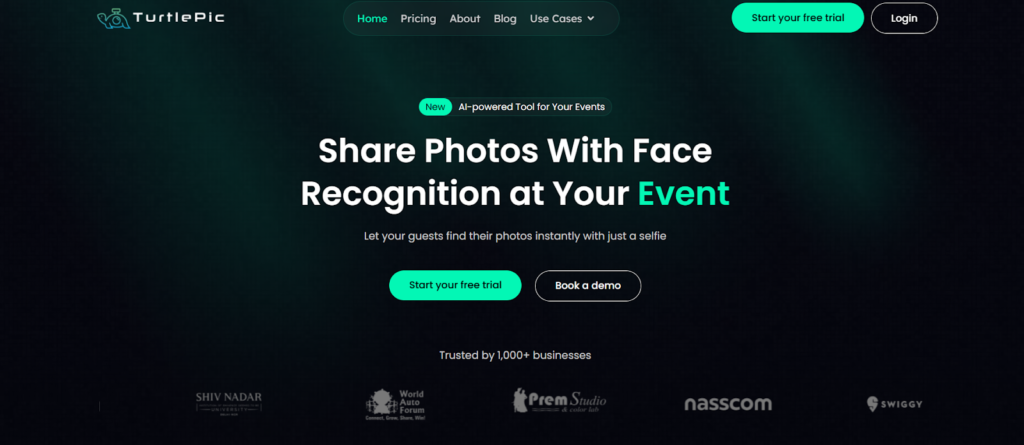
TurtlePic is an AI-powered photo sharing and delivery platform built specifically for event photographers and event hosts. It is not a photo editing app, it is the platform that takes over exactly where your editing app leaves off. Once your photos are edited and exported, TurtlePic handles everything that comes next – sharing, delivering, and organizing photos for clients and guests at scale.
Why Event Photographers Use TurtlePic After Editing
Most event photographers deliver photos through Google Drive links, WhatsApp, or basic gallery tools, all of which come with their own frustrations. Files get compressed, guests struggle to find their own photos among thousands of images, and the overall experience feels far from premium for clients who have paid for professional photography.
TurtlePic solves all of this with a platform built around three core strengths:
Original Resolution Delivery – No Compression
One of the biggest frustrations for event photographers is photo compression during delivery. When photos are shared via WhatsApp or basic platforms, the quality drops significantly – undoing all the careful editing work done in Lightroom or Photoshop. TurtlePic delivers every photo in the exact resolution it was uploaded — no compression, no quality loss. The photo your client receives looks exactly as it did when you exported it from your editing app.
AI-Powered Face Recognition with 99.9% Accuracy
Imagine a wedding with 500 guests. Each guest wants to find their own photos from a gallery of 2,000 images. Manually searching through hundreds of photos is not a realistic option for anyone. TurtlePic’s AI-powered face recognition allows every guest to find their photos instantly with just a selfie. With 99.9% accuracy, TurtlePic can identify faces from background shots, partially visible faces, and even blurred faces – making the photo discovery experience seamless for every guest at every type of event.
QR Code Access for Instant Guest Delivery
TurtlePic makes photo access effortless for event guests through QR codes. Guests simply scan a QR code at the event, register themselves, and get notified the moment their photos are uploaded and ready. There is no app to download, no complicated login process, and no waiting. For event photographers who want to deliver a premium experience to their clients and guests, QR code access removes every barrier that typically slows down photo delivery.
Real-Time Photo Sharing During the Event
TurtlePic goes one step further than post-event delivery. Photographers and event hosts can upload photos during the event itself, allowing guests to view and enjoy their photos while the event is still happening. This real-time sharing experience is something no photo editing app or basic delivery platform offers — and it consistently leaves guests and clients genuinely impressed.
The best photo editing app for event photographers gets your photos looking their best. TurtlePic makes sure those photos reach every client and guest the way they deserve – fast, in full quality, and with an experience that reflects the professionalism of your work.
Conclusion – Finding the Best Photo Editing App for Event Photographers
Event photography is one of the most demanding genres in the industry. Tight deadlines, high photo volumes, and clients who expect nothing less than perfection make every stage of the workflow critical including the tools you choose to edit with.
The best photo editing app for event photographers is ultimately the one that fits your workflow, matches your budget, and keeps up with the scale of events you shoot. For most event photographers, Adobe Lightroom remains the most reliable and well-rounded choice – offering batch editing, RAW support, mobile access, and a pricing model that makes sense for a professional photography business.
For high-end work and superior color accuracy, Capture One is worth the investment. For AI-powered creative edits, Luminar Neo delivers results that would otherwise take hours manually. For photographers on a tight budget, Snapseed and Darktable prove that great editing does not have to cost anything.
But editing is only half the story. The best edited photos in the world mean nothing if they do not reach your clients and guests in the quality they deserve – fast, seamlessly, and with an experience that feels as professional as your photography.
That is what TurtlePic is built for. From AI-powered face recognition that lets every guest find their photos instantly, to original resolution delivery with zero compression, to real-time photo sharing during the event itself. TurtlePic completes the workflow that every editing app leaves unfinished.
Edit with the best tools. Deliver with TurtlePic.