The fastest way to share event photos with guests is to upload them to a single gallery, put a QR code in front of guests, and let AI face recognition give each person only their own photos. Guests scan, take a selfie, and get their photos in the browser at original resolution — no app, no manual sorting, no waiting days for a download link. This guide covers why the common methods fall short, and the six-step workflow that replaces them.
Every event ends the same way. The photographer packs up, the guests head home, and somewhere in the days that follow comes the question that every event host and photographer dreads, when will we get the photos?
Getting photos to guests sounds simple. It is anything but. You have thousands of images, hundreds of people, varying expectations about when photos should arrive, and a growing list of reasons why the tools most people default to – WhatsApp, Google Drive, a shared folder link, consistently fail to deliver a good experience for anyone involved.
In 2026, guests expect more. They expect their photos to arrive quickly, in full quality, without having to scroll through thousands of images to find the handful that include them. They expect the process to feel as professional as the event itself. And they expect it to work on their phone without downloading an app or creating an account.
In this guide we cover exactly how to share event photos with guests the right way in 2026 from understanding why common methods fall short, to a step by step breakdown of the workflow that actually works at scale.
Why Sharing Event Photos with Guests Is Harder Than It Looks
Most people assume that sharing event photos is straightforward, upload to a folder, send a link, done. In reality, event photo sharing is one of the most friction-filled parts of the entire photography workflow. Here is why:
The Volume Problem
A typical wedding generates 1,500 to 3,000 photos. A corporate conference with 500 attendees can produce a similar volume. A marathon or large-scale festival can generate tens of thousands. Sharing this volume of photos through any manual method from WhatsApp, email, or individually organized folders is either impractical or completely impossible at scale.
The Personalization Problem
Guests do not want to receive 2,000 photos and sort through them to find the 15 that include them. They want their photos quickly, without effort, and without having to see everyone else’s private moments in the process. Without a smart delivery system, personalized photo sharing at scale requires manual sorting that no photographer has time to do.
The Quality Problem
Most default sharing methods like WhatsApp in particular automatically compress photos during delivery. A carefully edited, high resolution image can arrive at a guest’s phone looking noticeably degraded. After spending time perfecting the edit, the last thing any photographer wants is for that quality to be quietly destroyed by the delivery method.
The Privacy Problem
Sharing a single link with all guests means every guest can see every photo including photos of people they do not know, private moments not meant for a wide audience, and images of attendees who may not have consented to their photos being visible to strangers. For corporate events, school events, or any gathering involving sensitive moments or restricted attendees, this is a genuine concern that generic sharing tools do not address.
The Experience Problem
How photos are delivered is part of the event experience. A photographer who sends a cluttered WhatsApp message with a Google Drive link leaves a very different impression than one who delivers a branded, organized gallery where guests find their own photos instantly. In 2026, the delivery experience is as much a reflection of the photographer’s professionalism as the quality of the photos themselves.
The Most Common Ways Photographers Share Event Photos with Guests and Why They Fall Short
Before looking at what works, it helps to understand exactly where the most common methods break down. Most event photographers rely on one or more of these tools and each one comes with meaningful limitations for large-scale event delivery.
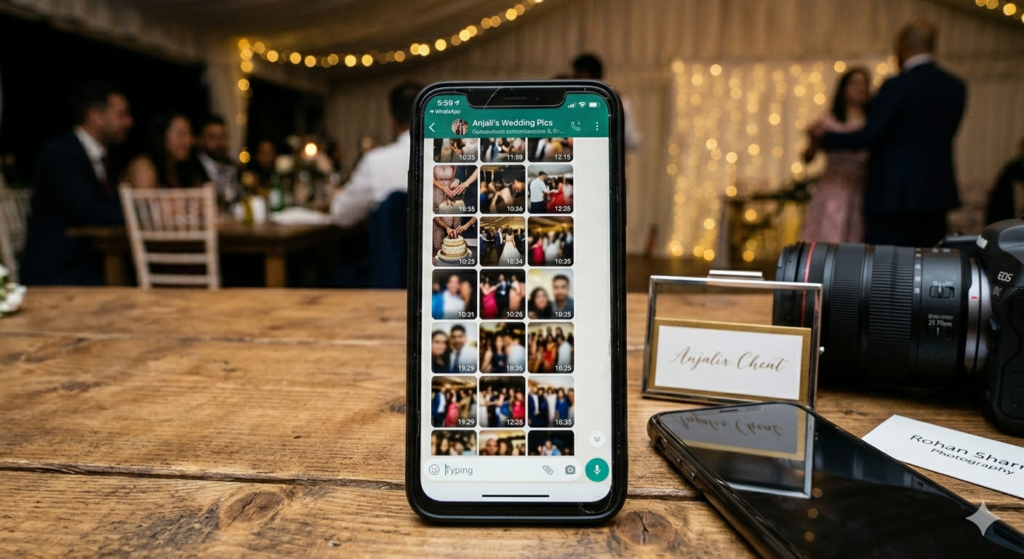
WhatsApp is the default sharing tool for most event photographers especially in markets where it is the primary communication platform. It is familiar, fast, and requires no setup. But for event photo delivery it has serious limitations.
WhatsApp compresses photos automatically, reducing image quality during delivery. Group chats become chaotic with thousands of images. There is no way to organize photos by person, no access controls, no download management, and no way to prevent photos from being forwarded beyond the intended audience. For anything beyond sharing a handful of preview images, WhatsApp is not a viable delivery solution.
Google Drive and Dropbox
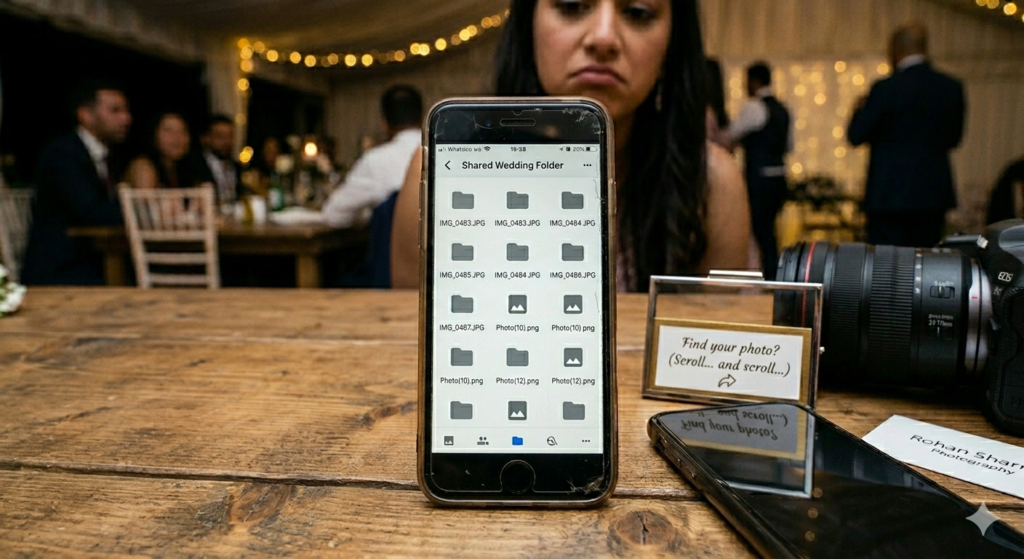
Cloud storage platforms like Google Drive and Dropbox solve the compression problem where files are stored and delivered in their original quality. But they introduce a different set of problems for event photo delivery.
Sharing a Drive folder gives every recipient access to every photo in the folder and there is no way to show individual guests only their own photos. Guests are required to scroll through hundreds or thousands of images to find themselves, which most simply will not do. The link can be forwarded to anyone, removing any privacy control the photographer intended. And the experience of opening a folder of unnamed files feels nothing like a professional photo delivery.
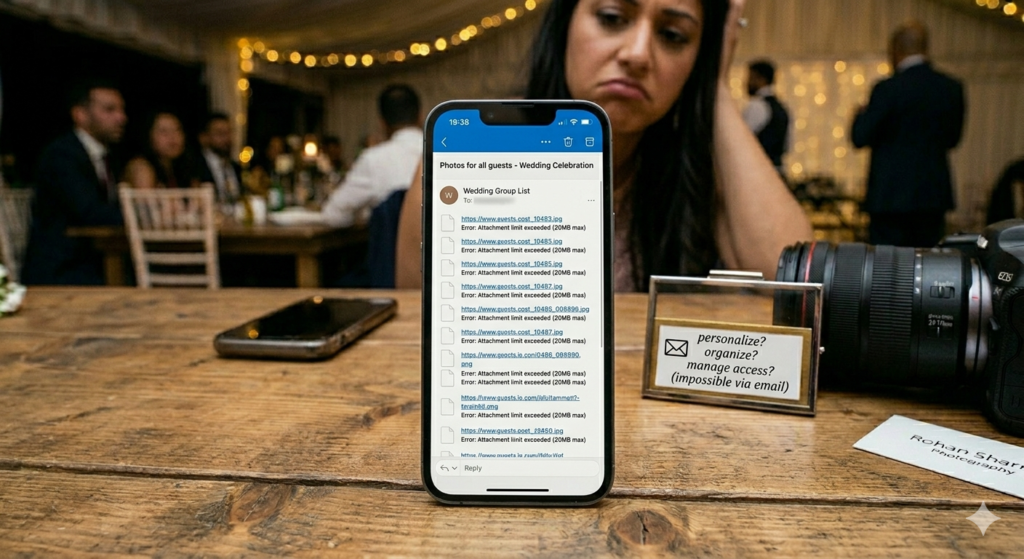
Email works for sending a small number of photos to a single client. For event delivery to multiple guests it falls apart quickly. Most email providers cap attachment sizes at 20 to 25MB. Sending individual emails to hundreds of guests is not realistic. And like Drive links, a shared email with photos has no personalization, no organization, and no access control once it leaves your inbox.
USB Drives
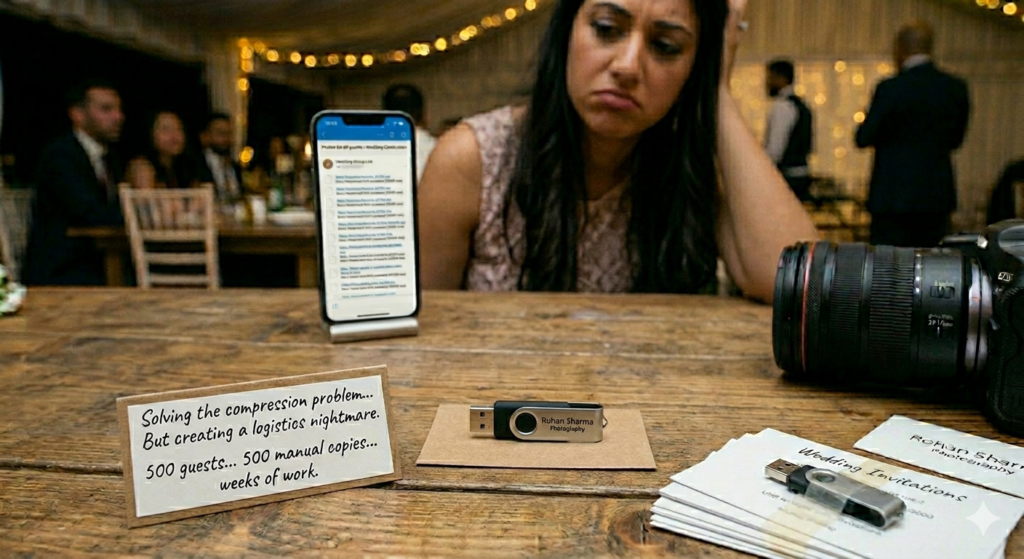
USB drives were once a standard part of wedding and event photo delivery. They solve the quality and compression problem entirely and the files on the drive are exactly what the photographer exported. But they are expensive to produce, time-consuming to prepare, slow to deliver, and completely impractical for large guest lists where every attendee needs their own photos.
Generic Gallery Links
Basic gallery platforms improve on Drive links by providing a more organized browsing experience. But most still operate on an all-or-nothing access model, the link you share gives every recipient access to the full gallery. Without AI face recognition, guests still have to manually search for their own photos. Without personalized access controls, privacy remains an unresolved concern. And without event-specific features like QR code registration and instant notifications, the delivery experience is only marginally better than a shared folder.
What the Best Way to Share Event Photos with Guests Actually Looks Like
Once you understand why common methods fall short, the criteria for what good event photo sharing actually looks like become clear. Here is what separates a genuinely effective event photo delivery experience from the tools most photographers are still using:
Speed – Photos Should Arrive While the Excitement Is Still Fresh
The best time to deliver event photos is not a week after the event, it is during the event or immediately after. Guest excitement peaks in the hours following an event, and that is exactly when shared photos generate the most engagement and social sharing. A delivery system that allows photographers to upload and publish photos in real time, with guests receiving instant notifications, turns photo delivery from a delayed task into part of the event experience itself.
Original Quality – No Compression, No Exceptions
Every photo delivered to a guest should be identical to the file the photographer exported from their editing software. No compression, no file size caps, no quality degradation at any point in the delivery process. The guest’s experience of the photo should reflect the photographer’s work exactly and not a compressed version of it. For a detailed comparison of platforms that deliver photos in original resolution, our guide on the best photo sharing apps for high resolution photos covers every option in depth.
Personalization – Every Guest Sees Only Their Photos
The gold standard for event photo sharing is a system where every guest receives only the photos they appear in – automatically, without the photographer manually sorting a single image. This is what AI face recognition makes possible. Guests register once, take a selfie, and see only their own photos from the entire gallery. No scrolling through thousands of images. No privacy concerns from seeing other people’s private moments. Just a personal, curated view of their own event experience.
Zero Friction for Guests
The best photo delivery experience requires nothing from guests beyond a simple registration. No app to download. No account to create. No password to remember. Guests scan a QR code or open a link, take a selfie, and their photos are there. Every additional step in the guest experience reduces the number of people who actually access their photos and a delivery system that guests do not use is not a delivery system at all.
Privacy and Access Control
Event photographers and hosts should have complete control over who can see what, who can download, and what happens to photos after they are shared. A private link that requires selfie verification before any photos are visible, download controls that can be enabled or disabled per event, and right click protection that prevents casual browser saving are the features that define a genuinely privacy-first photo delivery experience. For a full breakdown of privacy features in event photo sharing, our guide on how to securely share event photos with guests covers every control in detail.
Professional Presentation
The way photos are presented reflects directly on the photographer and the event. A branded gallery with the photographer’s logo, a clean and organized layout, and a seamless mobile experience delivers a professional impression that a shared Drive folder simply cannot match. For corporate clients and high-end event photography, the gallery presentation is part of the deliverable not an afterthought.
How to Share Event Photos with Guests Using TurtlePic
TurtlePic is built specifically to solve every limitation covered in this guide from compression and quality loss to manual sorting, privacy gaps, and poor guest experience. Here is exactly how the workflow works from start to finish:
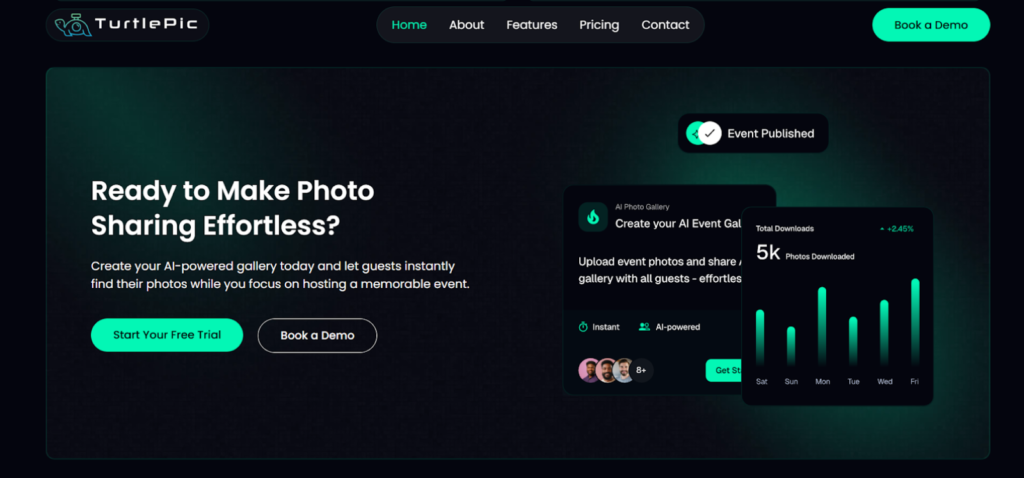
Step 1 – Create Your Event and Generate a QR Code
Start by creating a new event on TurtlePic. Add the event name, date, and configure your privacy and download settings before any photos are uploaded. TurtlePic instantly generates a unique QR code for the event that can be printed as a standee, displayed on screens at the venue, added to invitations, or shared digitally via WhatsApp, email, or social media. Guests who scan the QR code register once – no app download required, everything works directly in the browser.
Step 2 – Choose Your Access Model
TurtlePic gives photographers and event hosts the choice between two sharing modes depending on the event’s needs.
With the public link, guests can view all photos in the gallery and use AI face recognition to search for their own photos with a selfie. This works well for open events, corporate gatherings, or any event where full gallery access is appropriate.
With the private link, guests cannot view any photos without selfie verification. Once they take a selfie, TurtlePic’s AI scans the gallery and shows only the photos that include them. If no photos of that guest exist in the gallery, they see nothing. The link alone gives access to nothing making it one of the most privacy-first photo delivery methods available for events of any size.
Step 3 – Upload Your Photos in Bulk
Once the event is set up and your privacy preferences are configured, upload your edited photos in bulk. TurtlePic handles large galleries efficiently with thousands of photos uploaded in a single batch without file size caps or upload limitations. Every photo is stored and delivered in the exact resolution it was uploaded. No compression. No quality loss. The photo a guest downloads is identical to the file you exported from your editing software.
Step 4 – Publish and Notify Every Guest Instantly
Once photos are uploaded, publish the event with a single click. Every guest who registered via the QR code receives an instant notification that their photos are ready. There are no manual notification messages to send and no email lists to organize. Want to reach every guest on WhatsApp as well? Use the numbers guests registered with, or upload your guest list, and TurtlePic sends each person a private WhatsApp message with their gallery link in one tap. No groups, no copy-pasting and no compressed photos. WhatsApp delivery is available on paid plans and billed per message.
Step 5 – Guests Find Their Photos Instantly With a Selfie
When guests open their notification and access the gallery, they take a selfie and TurtlePic’s AI face recognition with 99.9% accuracy scans the entire gallery and shows only their photos. The process takes seconds regardless of how many photos are in the gallery or how many guests are registered. A wedding with 300 guests and 2,000 photos delivers the same seamless experience as a marathon with 10,000 participants and 50,000 images. The photographer uploads once. Every guest self-serves from that point forward.
Step 6 – Guests Download Their Photos in Original Quality
Once guests find their photos, they can download them individually or in bulk — at original resolution. Bulk download means guests save all their photos in one step rather than downloading them one by one. Every download is tracked in TurtlePic’s analytics dashboard, giving photographers and event hosts full visibility into how many photos were accessed and downloaded across the entire event.
Real-Time Sharing During the Event
Paragraph: For photographers who want to offer same-day or live delivery, TurtlePic supports real-time uploads during the event itself. Photos uploaded while the event is still happening trigger instant notifications to registered guests meaning attendees can receive and share their photos while the excitement is at its peak. This real-time delivery capability turns event photography from a post-event task into a live experience that guests remember long after the event is over. For a full breakdown of how to streamline your entire post-event workflow, our guide on how event photographers can deliver photos faster covers every stage from culling to delivery.
Which Method Should You Choose for Your Event?
The right way to share event photos with guests depends on the size of your event, your audience, and what level of experience you want to deliver. Here is a practical breakdown to help you decide:
For Small Gatherings and Casual Events
For intimate events with a small guest list – a birthday party, a small family reunion, or a private celebration with under 50 guests, a simple shared gallery link or even a curated WhatsApp message with preview images can work for a basic delivery. The photo volume is manageable and guests are likely familiar with each other, making privacy less of a concern. That said, even for small events TurtlePic adds value, the personalized selfie search and instant notifications create a noticeably better experience than a shared folder, and the setup takes only minutes.
For Weddings
Weddings are one of the highest stakes photo delivery scenarios in event photography. Hundreds of guests, thousands of photos, deeply personal moments, and couples who have invested significantly in their photography experience, all of this demands a delivery system that matches the quality of the day. WhatsApp and Drive links are not appropriate here. A platform that delivers photos in original resolution, gives every guest instant access to their own photos through AI face recognition, and presents the gallery in a way that feels as premium as the wedding itself is the only option that does justice to the work. TurtlePic’s private link with selfie-based access is purpose-built for exactly this scenario.
For Corporate Events and Conferences
Corporate clients expect professionalism at every stage of the engagement including photo delivery. A branded gallery, controlled access, download permissions, and analytics that track engagement are all standard expectations for corporate event photography in 2026. Generic tools that expose all attendee photos to everyone, or that deliver photos without any branding, fall well short of what corporate clients expect. TurtlePic’s branded galleries, per-event download controls, and analytics dashboard make it a natural fit for corporate event delivery.
For Large-Scale Events – Marathons, Festivals, Conferences
For events with hundreds or thousands of attendees and extremely high photo volumes, manual delivery is simply not an option. The only practical solution is a platform where guests self-serve their own photos automatically and where the system can handle tens of thousands of photos and thousands of simultaneous registrations without any performance issues. TurtlePic’s AI face recognition scales to any event size without adding any additional work for the photographer. Upload once and the platform handles everything that follows.
For Photographers Who Want to Stand Out
Beyond the practical benefits, the way you deliver photos is a statement about your business. Photographers who deliver a seamless, branded, personalized gallery experience stand out from competitors who send a Drive link and a WhatsApp message. Every guest who receives their photos through TurtlePic experiences a delivery that reflects the quality of the photography and that experience generates recommendations, repeat bookings, and a professional reputation that generic tools simply cannot build.
Frequently Asked Questions
How do you share event photos with guests?
Upload the photos to one event gallery, display a QR code at the venue, and let guests scan it. Each guest takes a selfie and AI face recognition returns only the photos they appear in. No app download is needed and everything works in the browser.
What is the fastest way to send photos to hundreds of guests?
Publish the gallery once and notify everyone at the same time. Every guest who scanned the QR code at the event gets an instant notification when the photos are ready, so a single publish reaches every guest instead of sending albums one by one.
Can guests get event photos without downloading an app?
Yes. Guests scan a QR code and the gallery opens in the browser. There is nothing to install.
How do guests find only their own photos in a large gallery?
Guests take a selfie and AI face recognition scans the gallery and returns only the photos that include them. TurtlePic face recognition is 99.9% accurate, so no one has to scroll through thousands of images.
Do guests receive event photos at original resolution?
Yes. Guests can download their photos individually or in bulk, and what they receive is the original file at full resolution.
Can photos be shared while the event is still happening?
Yes. Photos uploaded during the event trigger instant notifications to registered guests, so attendees can receive and share their photos before they leave.
Conclusion – The Right Way to Share Event Photos with Guests in 2026
Sharing event photos with guests is one of the most important parts of the entire photography workflow and one of the most consistently underestimated. The quality of your photos matters. The speed of delivery matters. The experience guests have when they access their photos matters. And the tools you use to deliver them say as much about your professionalism as the images themselves.
WhatsApp compresses photos and creates chaos. Google Drive gives everyone access to everything with no personalization. Generic gallery links fall short on privacy and guest experience. These tools were not built for event photo delivery and using them for events they were never designed to handle means accepting a gap between the quality of your work and the quality of the experience you deliver.
The right way to share event photos with guests in 2026 is a workflow where photos are delivered in original quality, every guest finds their own photos instantly through AI face recognition, privacy is built into the access mechanism rather than applied as an afterthought, and the entire experience feels as professional as the event itself. That is exactly what TurtlePic is built to deliver for events of every type, at every scale, without adding a single extra step to the photographer’s workflow after upload.
Upload once. Every guest gets their photos. The right way, every time.