
Facial recognition for digital asset management
Pick a face once and find every photo of that person, across every event, in seconds. TurtlePic searches only your organisation’s photos, never the internet.
30-minute demo on Google Meet, on your own event photos
Trusted by 1,000+ businesses · 500K+ users · 30+ countries
IN SHORT
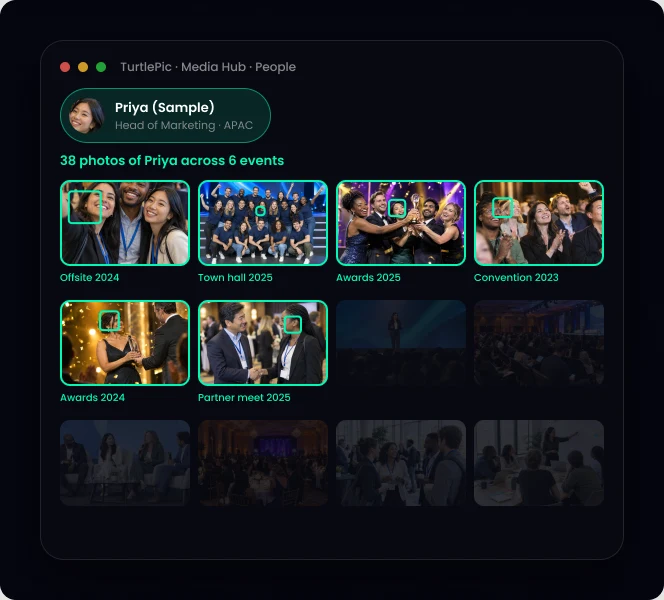
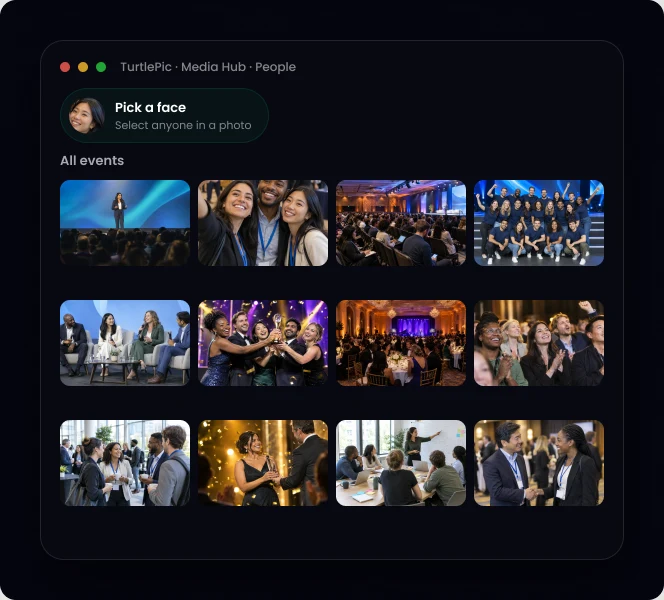
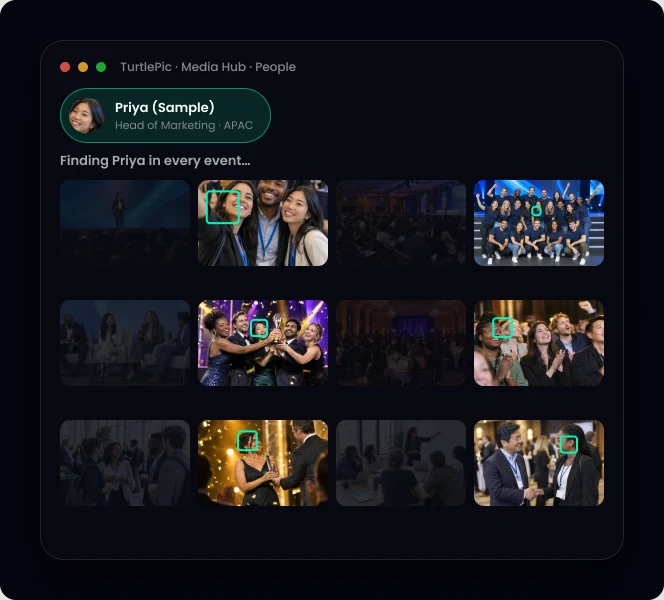
TurtlePic searches photos by face inside your own photo library. Select a person once and see every photo of them across all events and years, or let each guest find their own photos with a selfie. It searches only photos your organisation uploads, never the internet.
SAMPLE SEARCH
Every photo of our Head of Marketing, APAC, from 2023 to 2025: found across 6 events in seconds, ready to share.
Name a person once, and every photo of them becomes searchable.
Pull photos of leaders and speakers for press, reports and social.
Browse the library by people, not only by folders.
| Tool | Face search for a shared team library |
|---|---|
| Google Drive | Not available |
| Google Photos | Personal accounts only, not shared team libraries |
| TurtlePic | Built in, across every event and year |
Guests ask for their own photos with a selfie, so you are not scanning people without a reason. Admins decide who can search faces, and TurtlePic searches only photos your organisation uploads.
Read about security and consent
Step 1
Upload event photos in bulk, as many events as you like.

Step 2
The same person is grouped across every photo and event.
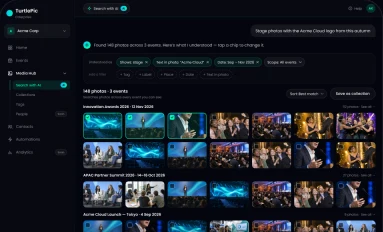
Step 3
Find a person in seconds, or send guests a selfie link.
By the numbers
Built by Experts. Trusted by Innovators.

Trusted by 1K+ companies
500K+
Worldwide users
10K+
Events created
99.9%
Accuracy of AI
10M+
Photos found by AI
Google Drive cannot search by face. Google Photos can, but only in personal accounts. TurtlePic adds face search to a shared team library.
TurtlePic’s AI is 99.9% accurate in our testing.
No. TurtlePic only searches photos your organisation uploads.
Facial recognition is allowed with consent. TurtlePic’s selfie search is opt-in: the guest asks for their own photos.
We recommend one for company events. TurtlePic shares a free template.
Yes. They take a selfie on the gallery link and see only their photos.
Bring photos from your last event. Pick anyone, and we will find every photo of them live.
Book a demo30-minute call on Google Meet · pick a time that suits you