
Register before the photos are ready
Opened the link before the photos are up? Register now, and your photos will be waiting when the gallery opens.
On this page4 sections
Some photographers share the gallery link before or during the event. If the photos aren’t published yet, you can register now so they’re ready for you later.
Open the link
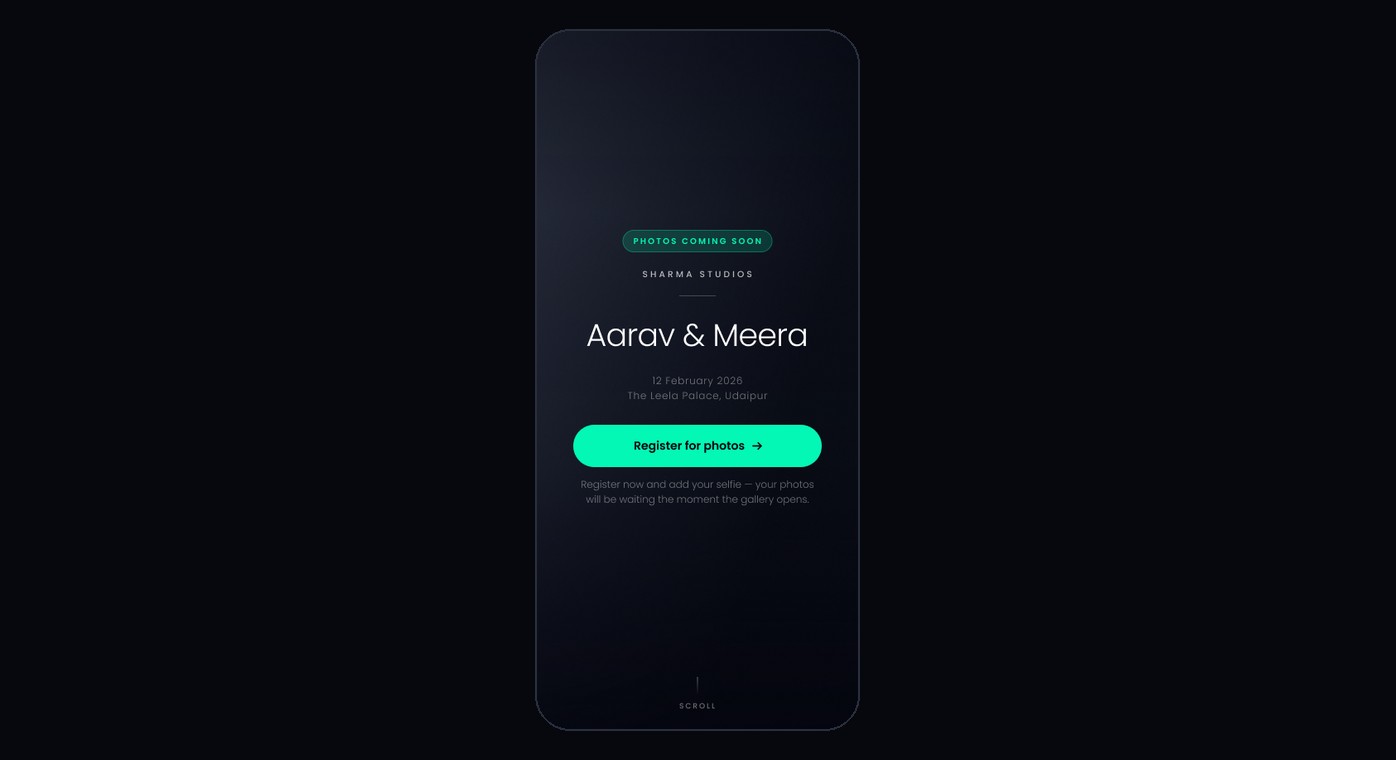
Open the link or scan the QR code. If the photos aren’t ready yet, the cover says Photos coming soon. Tap Register for photos.
Add your details and a selfie
Enter your full name and anything else the form asks for, then tap Continue. Take a selfie the same way you would to find your photos.
Come back when the gallery opens
You’ll see You are registered. Keep the link. When the photographer publishes the gallery, open the same link again and your photos will be waiting.
Note
If you see “You’re a little early — this gallery isn’t open yet”, there’s nothing to fill in yet. Keep the link and open it again later.
What’s next
Was this article helpful?
Your answer helps us improve this guide.
Thanks for letting us know.