
Download your photos
Save one photo straight to your device, or get all your photos in one download by email.
On this page5 sections
Before you start
- Your photos open in the gallery. See Find your photos with a selfie.
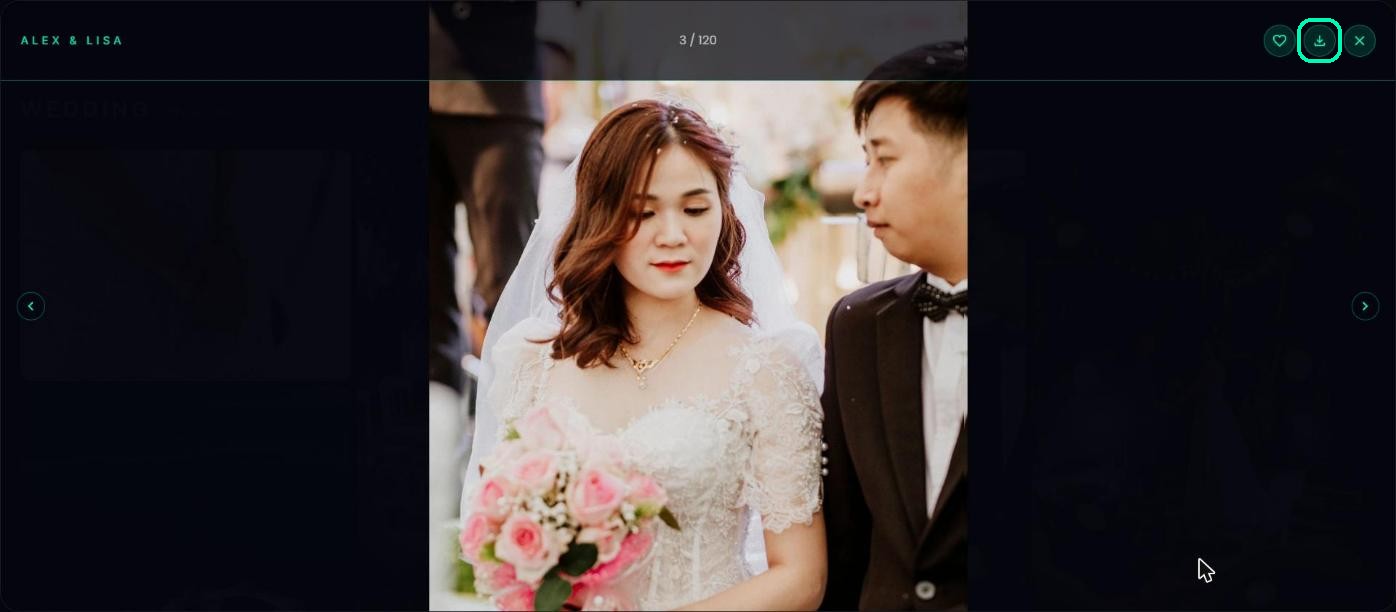
Download one photo
Tap a photo to open it, then tap Download this photo.
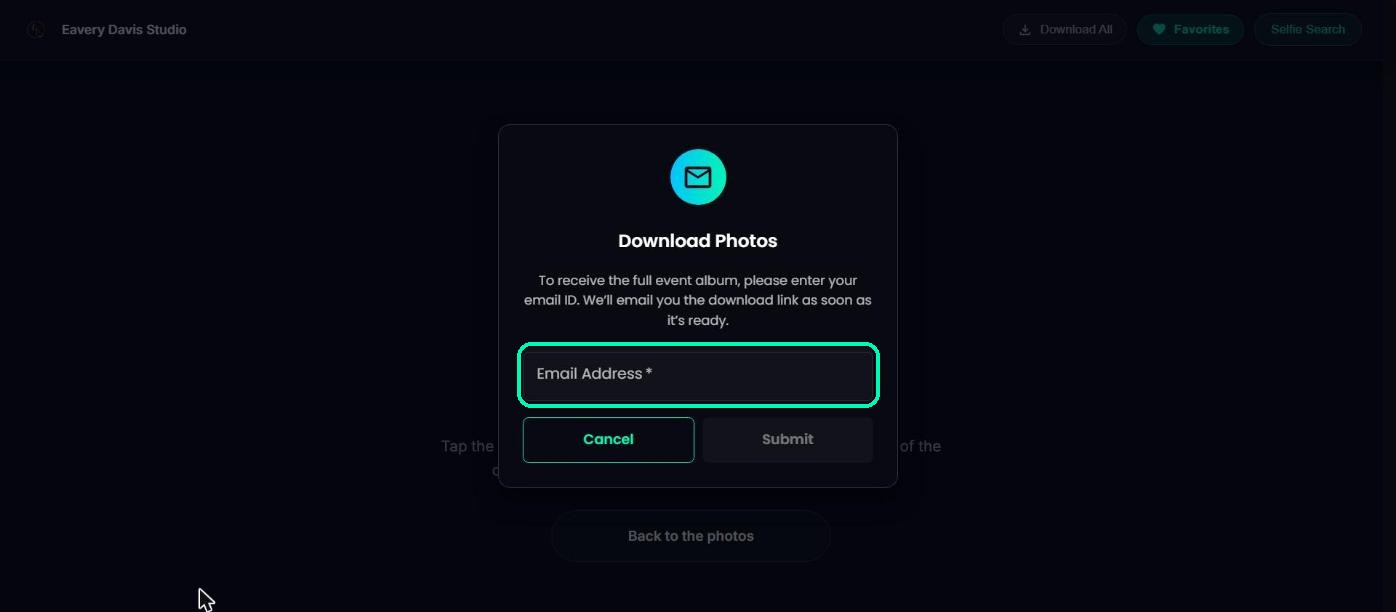
Download all your photos
In My photos or Favorites, tap Download All. Enter your email and tap Submit. TurtlePic emails you a download link as soon as it’s ready.
Note
The download link works for 7 days. If it has expired, ask for a new one the same way.
If you can’t download
If you see “Downloading media is not allowed in this folder”, the photographer has turned off downloads for those photos. If you don’t see Download All, the photographer hasn’t turned on downloading everything at once, but you can still save photos one by one if downloads are allowed.
Was this article helpful?
Your answer helps us improve this guide.
Thanks for letting us know.