
AI image tagging
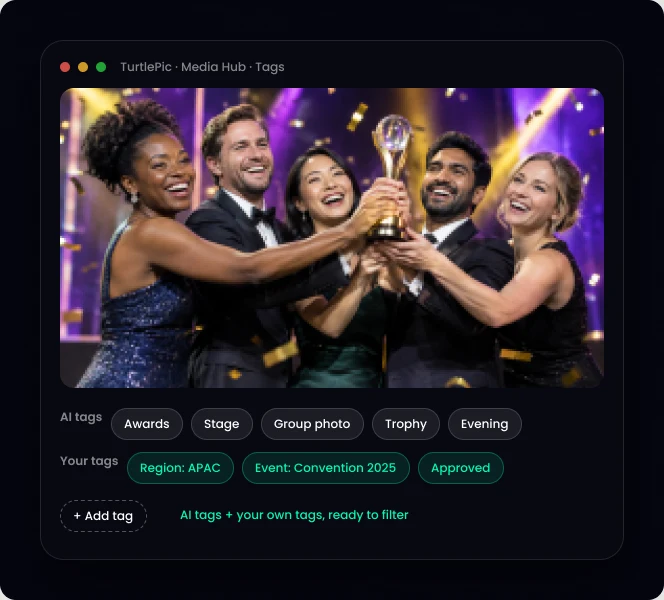
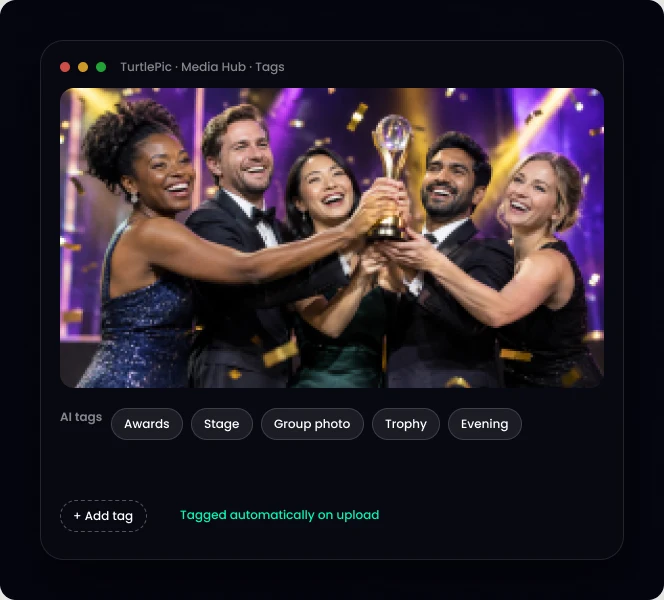
TurtlePic tags every photo automatically when it is uploaded. Then your team adds its own tags: region, brand, sponsor, campaign.
30-minute demo on Google Meet, on your own event photos
Trusted by 1,000+ businesses · 500K+ users · 30+ countries

IN SHORT
TurtlePic AI image tagging adds tags to every photo automatically when it is uploaded. Your team can add custom tags, like region, brand or campaign, and use them to filter, build collections and share.
Every upload is tagged without manual work.
Your own tag groups: region, brand, sponsor, campaign.
Tag an entire upload or event in one step.
| Manual tagging | TurtlePic | |
|---|---|---|
| Time per event | Hours to days | Automatic on upload |
| Consistency | Depends on the person | Same rules every time |
| Your own terms | Yes | Yes, custom tags |
| Backlog | Grows every event | None |
1
Agree a short list of custom tag groups before the first event.
2
Let AI tag what is in the photo; add only business tags by hand.
3
Tag at upload or event level, not photo by photo.
4
Use tags to build smart collections that update themselves.
5
Review your tag list once a quarter and merge duplicates.
Can you tag photos in Google Drive?
Google Drive has no photo tags, only file names and folders. Teams move to a photo library like TurtlePic when folders stop working.
Step 1
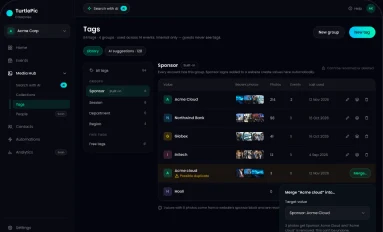
Region, brand, sponsor or anything your team needs.
Step 2
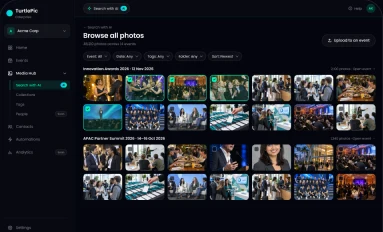
AI tags every photo; add your tags to the whole batch.
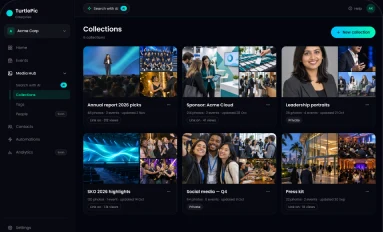
Step 3
Filter by any tag and build collections in seconds.
By the numbers
Built by Experts. Trusted by Innovators.

Trusted by 1K+ companies
500K+
Worldwide users
10K+
Events created
99.9%
Accuracy of AI
10M+
Photos found by AI
Auto tagging means software adds descriptive tags to photos automatically. TurtlePic does this on upload.
Metadata is data about the file, like date and camera. Tags describe what is in the photo or what it is for.
Not as tags. TurtlePic adds AI tags and your own custom tags to every photo.
Yes. Create tag groups like region, brand or sponsor and use them across every event.
Upload an event in the demo and watch the tags appear.
Book a demo30-minute call on Google Meet · pick a time that suits you