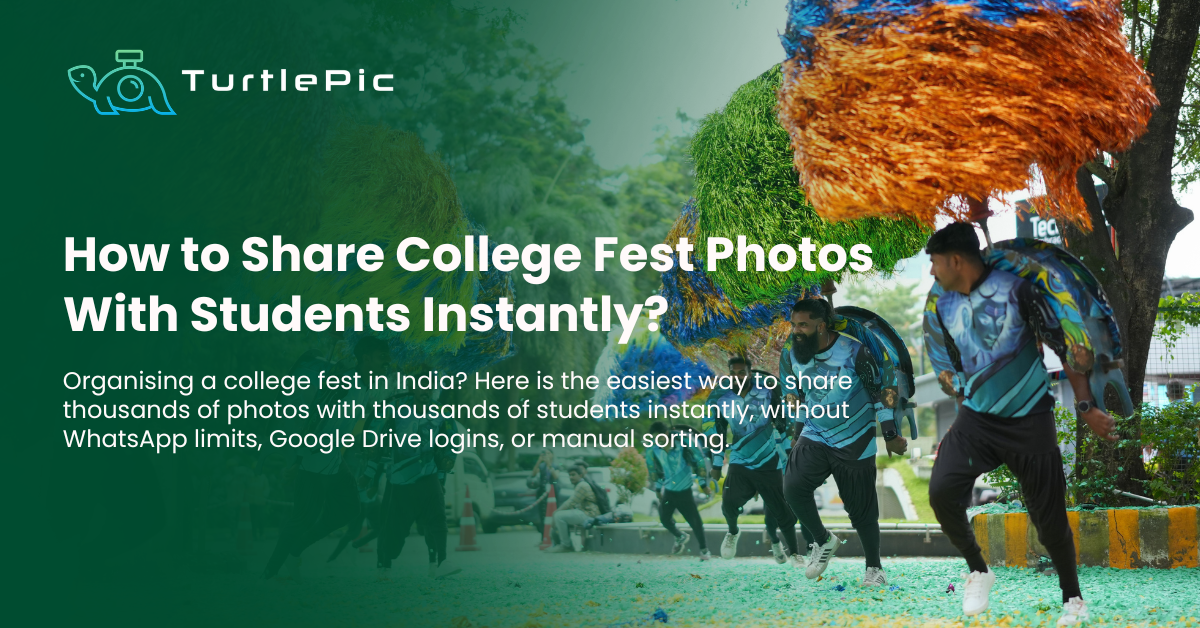
College fests in India are not small events.
Techfest at IIT Bombay draws over 150,000 visitors across three days. Mood Indigo pulls in 100,000 attendees. Rendezvous at IIT Delhi, Antaragni at IIT Kanpur, Mela at BITS Pilani — these are among the largest youth events in Asia. Even the average college fest at a mid-sized university brings in thousands of students across multiple stages, competitions, performances, and cultural events.
When it ends, someone on the fest committee has to figure out how to get 10,000 photos to 5,000 students.
The default answer in most Indian colleges is a shared Google Drive folder or a WhatsApp broadcast. Both fail at this scale. Students open the Drive link, scroll for two minutes, give up, and never find their photos. WhatsApp groups hit limits, compress every photo to 16% of its original quality, and become completely unmanageable beyond 100 people.
There is a better way and Indian colleges are starting to use it. This guide covers how it works, how to set it up before your next fest, and which platform handles college events at the scale Indian fests actually run.
Why Google Drive and WhatsApp do not work for college fests
Before getting into solutions, it is worth understanding exactly why the default tools fail for college fests specifically. There are three reasons that compound each other.
The volume problem
A three-day college fest with two or three photographers shooting across multiple stages, competition venues, food courts, and night events can generate 8,000 to 15,000 photos. That is not a number any student is going to scroll through to find themselves.
Compare that to a birthday party where someone shares 50 photos and everyone can find themselves in two minutes. At college fest scale, manual photo discovery simply does not work. Students need a way to find their own photos automatically.
The scale problem
A college with 5,000 students attending a fest cannot be managed through WhatsApp groups. The group size limit means multiple groups need to be created. Different departments end up in different groups. Students from partner colleges attending the fest are not in any group. By the time all the logistics are figured out, half the student body has not received the photos at all.
Google Drive runs into a different version of the same problem. Sharing a folder with thousands of students means managing permissions, dealing with students who cannot log in because they do not have a Google account, and fielding hundreds of “I cannot access the link” messages in the committee group.
The speed problem
Students want their photos within 24 to 48 hours of the fest ending. The energy is still there, the memories are fresh, and they want to post on Instagram and WhatsApp immediately. If the photos arrive two weeks later when the committee finally gets around to organising the Drive folder, most students have already moved on.
A photo sharing system that requires manual sorting and uploading by category, manually creating folders, and sending individual links to different groups cannot deliver photos fast enough to capture the moment.
How AI photo sharing solves all three problems for college fests
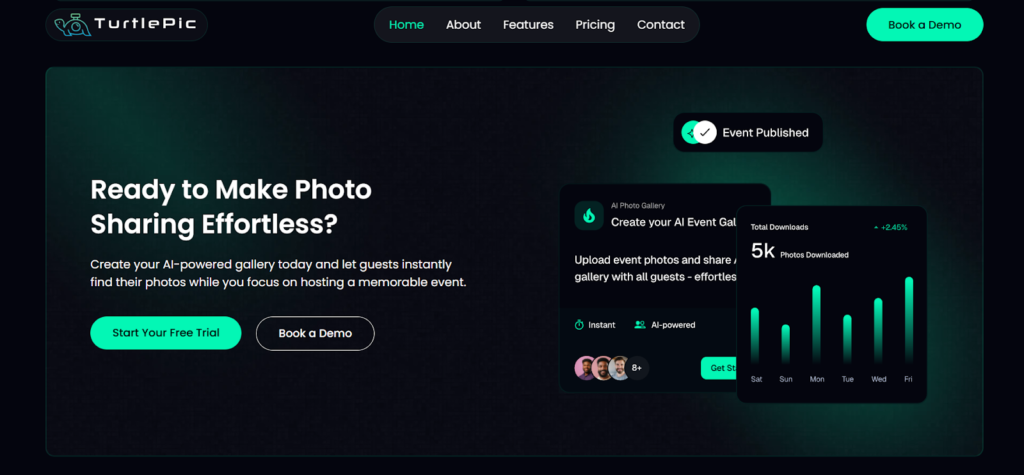
AI photo sharing platforms like TurtlePic use face recognition technology to solve the volume, scale, and speed problems simultaneously. Here is how the system works from end to end at a college fest.
How the photographer uploads photos
The photography team uploads all fest photos to TurtlePic as each day ends or as events wrap up. The photos can be uploaded in bulk, sorted and besides folders can be created as well. Uploading 5,000 photos takes on the platform usually takes the less amount of time when compared to uploading the same batch on Google Drive.
How the fest committee sets up sharing
The fest committee logs into TurtlePic and configures the event settings. This takes about 10 minutes. The key decision is choosing between two types of sharing links:
A full access link allows any student who scans the QR code to browse all photos from the fest or search for their own photos using face recognition. This works well for open events where there are no privacy concerns.
A limited access link allows students to see only the photos they personally appear in. This is useful for specific events like internal council meetings, faculty events, or any gathering where not everyone should see every photo.
For most college fests, the full access link is the right choice since the entire event is open and students generally want to browse all the fest content.
How students get their photos
The fest committee generates a QR code and shares it everywhere — Instagram story, WhatsApp broadcast, the fest website, the college notice board, and physical standees at the venue on the day itself. Every student who wants their photos scans the QR code.
Once they scan it, they take a single selfie. The AI uses face recognition with 99.9% accuracy to match their face across every photo in the entire event set and delivers only the photos they personally appear in. A student who performed in three events across three days of the fest finds all their photos from all three events in one place, within seconds.
No Google account. No scrolling through 10,000 photos. One selfie, instant delivery, original resolution.
Setting up photo sharing for your college fest: step by step
The actual setup process is straightforward and can be handled by anyone on the fest committee without technical knowledge. Here is the complete workflow from before the fest to after.
Before the fest: set up the platform
Do not wait until the fest is over to set up TurtlePic. Create the event on the platform before the first day begins. This allows the photography team to start uploading photos the same evening as each fest day ends, so students can start receiving photos while the fest is still ongoing.
Brief the photography team on where to upload and what format to use. TurtlePic accepts standard JPEG files. Set a clear internal deadline for each batch of uploads — for example, all photos from Day 1 to be uploaded by 11pm on Day 1 evening.
During the fest: display the QR code everywhere
Put the QR code on the fest Instagram story on Day 1 morning. Add it to the WhatsApp broadcast that goes to all registered participants. Print it on standees and place them at the venue entrance, near the main stage, and at the food court. The more touchpoints students encounter the QR code at, the higher the retrieval rate will be.
Do not wait until the fest ends to share the QR code. Students who scan it on Day 1 can start getting photos from Day 1 events while Day 2 is still happening. This creates buzz and increases the number of students who actively retrieve their photos.
After the fest: upload the final batch and remind students
Once all photos are uploaded, send a reminder through the same channels. One WhatsApp broadcast and one Instagram story reminding students to scan the QR code and find their photos is usually enough to bring in the remaining students who missed it during the event. Or skip the manual broadcast: upload the registration list and TurtlePic sends each student a private WhatsApp message with the gallery link, with no group and no copy-pasting.
The committee does not need to do any further work after this. The platform handles all delivery automatically.
What makes TurtlePic the right choice for Indian college fests
TurtlePic is currently the only platform in India with a specific and dedicated focus on college and university events alongside its core use cases of weddings and corporate events. Several features make it particularly well suited to the Indian college fest environment.
Scale without compromising speed
TurtlePic has handled some of India’s largest and most complex events including the AI India Impact Summit powered by Digital India, Forbes DGEMS, Decathlon Marathon, Rotary Rise, and TEDx India. The same infrastructure that handles 5,000 government officials at a national summit handles 5,000 students at a college fest. There is no upper limit on the number of attendees or photos.
Face recognition at 99.9% accuracy
The AI matches student faces even in challenging conditions common at college fests — large group shots, stage lighting, night events, crowded competition venues. A student who appears in the background of a group photo on the main stage will still find that photo when they take their selfie.
INR pricing with India-based support
TurtlePic is headquartered in Gurugram and the entire pricing is in INR. For college fest committees working with tight budgets, there are no currency conversion surprises. Support runs in Indian time zones, which matters when something needs to be sorted at 10pm before Day 2 of the fest.
Full resolution delivery
The photos students receive are the same full resolution files the photographer shot. Nothing gets compressed. When a student downloads their photo from TurtlePic and posts it on Instagram, it looks the way the photographer intended it to look — not like a screenshot of a WhatsApp forward.
How college fests can use photo sharing to build brand and engagement
Beyond the practical benefits for students, AI photo sharing creates a significant marketing opportunity for the fest itself and for the college. Here are a few ways forward-thinking fest committees can use the platform strategically.
Social sharing multiplier
When 5,000 students each receive their own photos and post them on Instagram and WhatsApp, each one becomes an organic content creator for the fest. A fest that delivers great photos fast generates far more user-generated content than one where students never find their photos. Every post that goes up is a reach multiplier for the fest brand.
Sponsor branding on the gallery
TurtlePic galleries can carry sponsor logos and branding. For fests with title sponsors or presenting sponsors, this is a value-add that can be included in sponsor packages. Every time a student opens their gallery to find their photos, they see the sponsor branding.
Data for future editions
The analytics feature shows how many students retrieved their photos, from which events, and when. This data helps the committee understand which events drove the most engagement and can inform programming decisions for the next edition of the fest.
Common questions from college fest committees
How much does it cost to use TurtlePic for a college fest?
TurtlePic offers paid plans priced in INR. The pricing depends on the number of photos and the storage required. Contact the TurtlePic team directly for college and university event pricing — they have specific packages for educational institutions.
Can TurtlePic handle photos being uploaded across multiple days?
Yes. The photographer can upload photos in batches as each day of the fest ends. Students who scan the QR code and take a selfie on Day 2 will receive photos from Day 1 events that have already been uploaded, as well as Day 2 photos as they become available. The gallery updates automatically.
What if some students do not have smartphones?
TurtlePic requires a smartphone to scan the QR code and take a selfie. For students without smartphones, the full access link can be shared as a URL that any device with a browser can open. However, face recognition photo search does require a front-facing camera.
Can the fest committee control which photos are shared?
Yes. The photographer uploads photos to TurtlePic and the committee can review and remove any photos before making the gallery public. TurtlePic does not automatically share photos the moment they are uploaded — the committee decides when the gallery goes live.
How long does it take for students to get their photos after scanning the QR code?
Once the photographer has uploaded photos, students typically receive their matched photos within seconds of taking their selfie. The face recognition processing happens in real time.
Can TurtlePic be used for specific events within the fest rather than the entire fest?
Yes. You can create separate events within TurtlePic for different activities, for example a separate gallery for the music night, the hackathon, and the cultural evening, each with their own QR code. Or you can put everything in one gallery and let face recognition handle the sorting. Most committees find a single gallery with all photos is simpler to manage.
Frequently asked questions
What is the best way to share college fest photos with thousands of students?
Using an AI photo sharing platform like TurtlePic is the most efficient method. Students scan a QR code, take a selfie, and instantly receive every photo they appear in from the entire fest. No app download required, no Google account needed, no manual sorting for the committee.
Does TurtlePic work for college fests with 5,000 or more students?
Yes. TurtlePic is built for large-scale events and has handled events with thousands of attendees including major national events in India. There is no upper limit on student count or photo volume.
How quickly can students get their college fest photos?
Students receive their matched photos within seconds of taking their selfie, provided the photographer has uploaded the event photos. For multi-day fests where photos are uploaded each evening, students can access same-day delivery.
Do students need to download an app to receive their college fest photos?
On TurtlePic, no. Students access their photos entirely through the phone browser by scanning a QR code.
Can a college fest committee set up TurtlePic without technical knowledge?
Yes. The setup process takes approximately 10 minutes and requires no technical knowledge. The committee logs in, creates an event, sets the access preferences, and generates a QR code. Everything else is handled automatically by the platform.