
Similar photo grouping
TurtlePic groups near-duplicates, bursts and resized copies, so your team picks the best shot and stops storing the same moment five times.
30-minute demo on Google Meet, on your own event photos
Trusted by 1,000+ businesses · 500K+ users · 30+ countries
IN SHORT
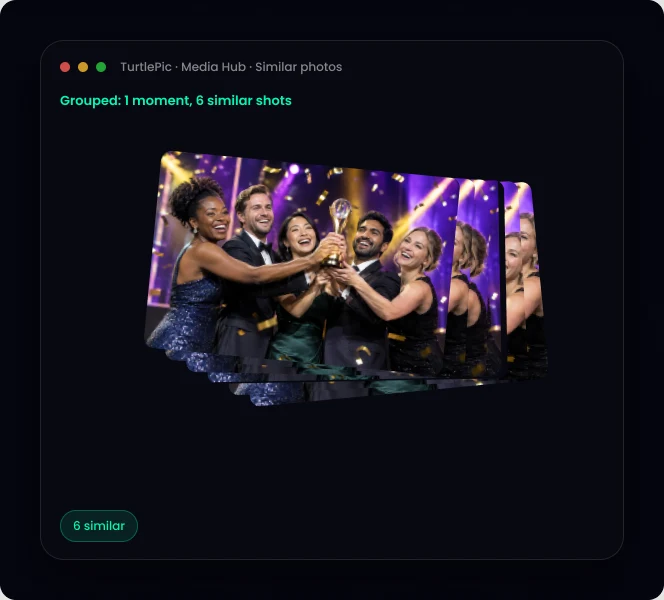
TurtlePic groups similar photos automatically: bursts, near-duplicates and resized or cropped copies, even with different file names. Your team sees one stack per moment, picks the best photo and keeps shares clean.
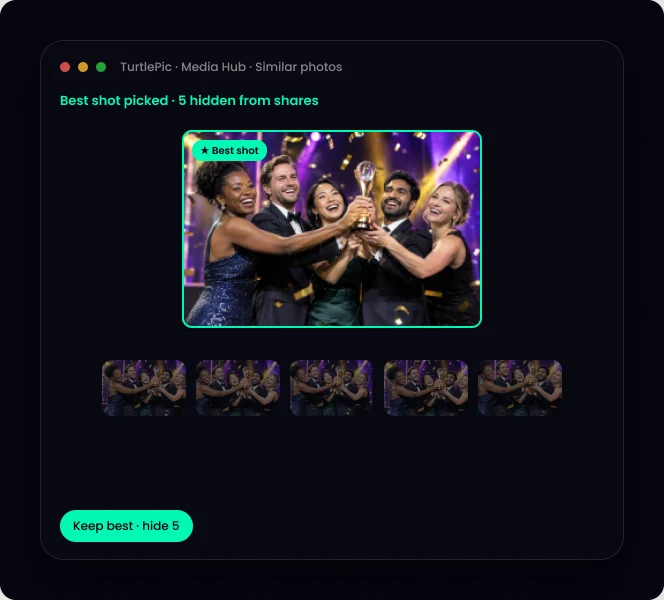
Ten shots of the same moment become one stack.
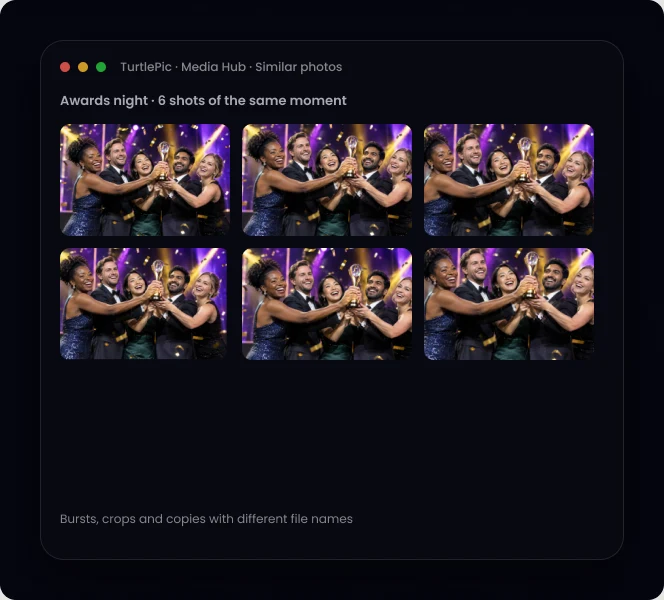
Found even when the file names are different.
The same moment from different cameras, grouped.
Choose the shot to share and hide the rest from shares.
Shared drives fill up with copies of the same event photos from photographers, agencies and staff. Bring them into TurtlePic and similar photos are grouped automatically, so the library stays clean from day one.
| Exact duplicate | Near-duplicate | |
|---|---|---|
| Example | The same file saved twice | A crop, resize, edit or burst shot |
| Found by file-name checks | Sometimes | No |
| Grouped by TurtlePic | Yes | Yes |
Step 1
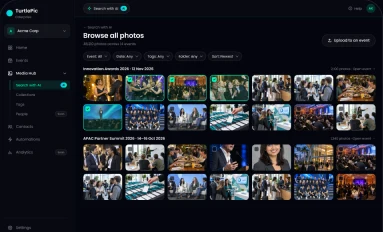
Photographers upload everything, no pre-sorting.

Step 2
Bursts and copies stack into one moment.

Step 3
Collections and guest galleries show the best shot.
By the numbers
Built by Experts. Trusted by Innovators.

Trusted by 1K+ companies
500K+
Worldwide users
10K+
Events created
99.9%
Accuracy of AI
10M+
Photos found by AI
TurtlePic compares what is in the photo, not the file name, so copies with different names are grouped.
Crops, resizes, edits and burst shots of the same moment.
Usually from syncing several devices, re-uploads or copies shared by different people.
No. TurtlePic groups them so your team picks the best shot and decides what to keep.
Bring a folder full of bursts and copies and watch them group.
Book a demo30-minute call on Google Meet · pick a time that suits you