The best photo sharing apps for high resolution photos are TurtlePic, Dropbox, SmugMug, and Google Photos – each delivers files at the resolution you uploaded, with no compression. For events specifically, TurtlePic is the strongest: no file size cap, no credit system, and guests find their own photos with a selfie.
Last updated: 5 August 2026
You spent hours editing your event photos to perfection. The colors are right, the details are sharp, and every image looks exactly the way it should. Then you share them through WhatsApp, through a basic drive link, or through a messaging app and the quality drops instantly. What your client or guest receives looks nothing like what you worked so hard to produce.
This is one of the most common and frustrating problems in photo sharing today. Most apps and platforms that people default to for sharing photos are simply not built for high resolution delivery. They compress images automatically to save bandwidth and storage costs and in doing so, they quietly destroy the quality of every photo that passes through them.
The good news is that there are platforms built specifically to solve this problem – apps that share photos in their original resolution, without compression, without quality loss, and without making the process complicated for the people receiving them.
In this guide, we cover the best photo sharing apps for high resolution photos in 2026 so your photos always reach their destination looking exactly as they should.
How do these apps compare?
Here is a side-by-side comparison of all 10 apps to help you decide at a glance which platform best suits your high resolution photo sharing needs:
| App | Zero Compression | File Size Cap | AI Face Recognition | QR Code Access | Guest – Friendly | Pricing |
| TurtlePic | ✅ Yes | ✅ No Cap | ✅ 99.9% Accuracy | ✅ Yes | ✅ Yes | Free / From $8.09/month |
| Kwikpic | ⚠️ Partial | ⚠️ 2MB Cap | ✅ Yes | ✅ Yes | ✅ Yes | Per photo pricing |
| Google Photos | ⚠️ Paid only | ✅ No Cap | ❌ No | ❌ No | ✅ Yes | Free / From $1.99/month |
| Dropbox | ✅ Yes | ✅ No Cap | ❌ No | ❌ No | ⚠️ Basic | Free / From $9.99/month |
| SmugMug | ✅ Yes | ✅ No Cap | ❌ No | ❌ No | ✅ Yes | From $35/month |
| Flickr | ⚠️ Minimal | ✅ No Cap | ❌ No | ❌ No | ✅ Yes | Free / From $8.25/month |
| WeTransfer | ✅ Yes | ✅ No Cap | ❌ No | ❌ No | ✅ Yes | Free / From $15/month |
| Amazon Photos | ✅ Yes | ✅ No Cap | ❌ No | ❌ No | ⚠️ Basic | Free with Prime |
| iCloud Photos | ✅ Yes | ✅ No Cap | ❌ No | ❌ No | ⚠️ Apple only | Free / From $0.99/month |
| Telegram | ✅ As document | ✅ No Cap | ❌ No | ❌ No | ⚠️ Limited | Free |
The comparison makes one thing clear – most platforms handle storage and compression reasonably well, but fall significantly short when it comes to features that matter most for event photographers and their guests. TurtlePic is the only platform on this list that combines zero compression delivery with AI face recognition, QR code access, and a guest experience built specifically for events. Kwikpic comes closest but its credit-based high resolution model and 2MB file size cap remain meaningful limitations for photographers working at a professional scale.
Best Photo Sharing Apps for High Resolution Photos in 2026
Here are the top 10 best photo sharing apps for high resolution photos in 2026 — evaluated on zero compression delivery, pricing transparency, guest experience, and overall suitability for photographers and event hosts.
1. TurtlePic: Best overall for original resolution event delivery
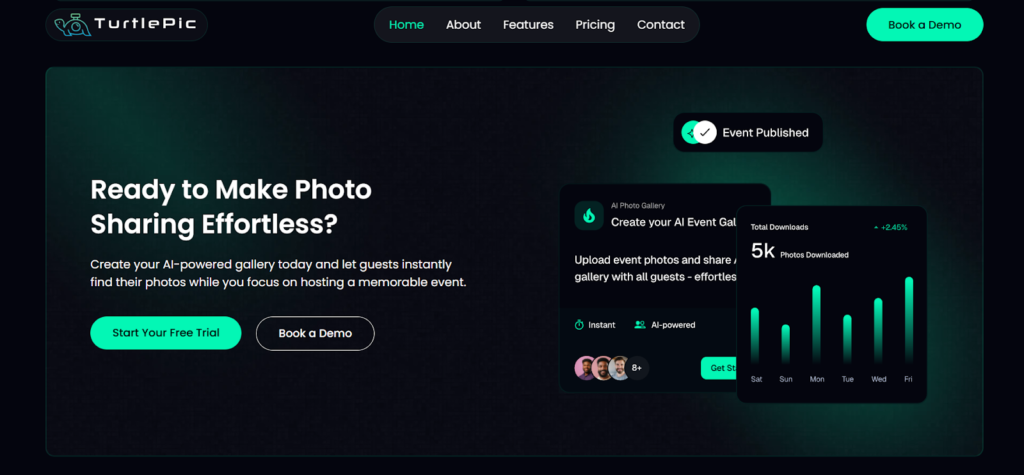
TurtlePic is an AI-powered photo sharing platform built specifically for event photographers and event hosts who need to deliver high resolution photos without any compromise on quality. Unlike general-purpose platforms that apply compression during delivery, TurtlePic delivers every photo in the exact resolution it was uploaded with no size caps, no compression, no quality loss at any point in the process.
What sets TurtlePic apart from every other platform on this list is the combination of original resolution delivery with AI-powered features that make the photo receiving experience genuinely seamless for guests and clients. From weddings and corporate events to marathons and large public gatherings, TurtlePic is built to handle events of every scale without the pricing surprises or technical limitations that photographers often encounter on other platforms.
Why TurtlePic Leads for High Resolution Photo Sharing:
With 99.9% AI face recognition accuracy, every guest at an event can find their own high resolution photos instantly with just a selfie. There are no credits consumed per photo, no hidden costs for uploading larger files, and no storage reusability restrictions that force photographers to upgrade mid-season. Photos are delivered in original quality, bulk downloads are available at both admin and guest level, and QR code access removes every barrier that typically slows down photo delivery at events.
Trusted by leading brands including Forbes, Swiggy, Mercedes-Benz, Digital India and many others, TurtlePic has proven itself at events of all sizes making it the most reliable and photographer-friendly high resolution photo sharing platform available in 2026.
- Best For: Event photographers, wedding photographers, corporate event hosts, sports and marathon events
- Key Features: Original resolution delivery, 99.9% AI face recognition, QR code access, bulk download, real-time photo sharing, AI privacy, premium galleries, photo proofing
- Compression: None – photos delivered in original resolution
- Pricing: Transparent flat pricing – no credit system
- Platforms: Web, iOS, Android
2. Kwikpic: Best for smaller events on a credit-based plan
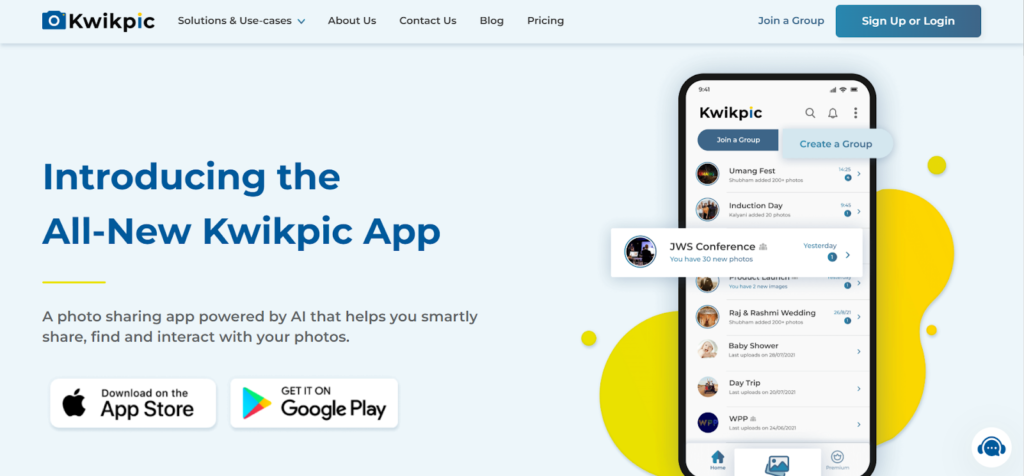
Kwikpic is an AI-powered photo sharing app that uses face recognition to sort and deliver photos to guests and event attendees. It is widely used across weddings, corporate events, birthdays, and family gatherings, and it has built a strong reputation for simplifying the photo sorting and delivery process.
On the quality front, Kwikpic does offer high resolution uploads but with important caveats that photographers should be aware of before committing to the platform. High resolution uploads consume up to 2.5 credits per photo compared to 1 credit for a standard upload, and file sizes are capped at 2MB per image. For photographers exporting large files from professional cameras, this 2MB cap means the delivered photo may not match the true resolution of the original file.
The credit-based pricing model also makes costs harder to predict for large events. A photographer uploading thousands of high resolution photos can burn through credits quickly, and once the storage quota is fully utilized, reusability is limited to one time before an upgrade is required. For photographers managing a high volume of events throughout the year, this becomes a recurring cost and workflow constraint.
That said, Kwikpic remains a capable platform for smaller events and casual photo sharing where the credit system is less of a concern.
- Best For: Family gatherings, small to mid-scale events, casual photo sharing
- Key Features: AI face recognition, group-based sharing, QR code access, privacy controls, branding options
- Compression: Standard uploads compressed; high resolution available with credit cost
- Pricing: Credit-based model with high resolution uploads cost 2.5 credits per photo
- Platforms: Web, iOS, Android
3. Google Photos: Best free option for personal storage
Google Photos is one of the most widely used photo storage and sharing platforms in the world, and for good reason. It offers automatic backup, intelligent search, shared albums, and cross-platform access all within a familiar and easy-to-use interface. For casual photo sharing among friends and family, it is hard to beat the convenience of Google Photos.
However, for photographers who need true high resolution delivery, Google Photos comes with an important limitation. The free 15GB storage tier applies compression to photos uploaded at standard quality. To preserve original resolution, users need to select the “Original Quality” upload option which counts against the 15GB free storage limit and requires a paid Google One subscription for larger libraries.
For event photographers delivering large galleries of high resolution photos to their clients, Google Photos is not the optimal solution and the platform lacks the event-specific features – like AI face recognition for guests or QR code access – that make photo delivery seamless at scale.
- Best For: Personal photo storage, casual sharing with friends and family
- Key Features: Automatic backup, shared albums, face grouping, cross-platform access
- Compression: Applied on free tier; original quality available with paid storage
- Pricing: Free up to 15GB
- Platforms: Web, iOS, Android
4. Dropbox: Best for single-client file delivery
Dropbox is a reliable cloud storage platform that handles high resolution photo sharing effectively for photographers who need a straightforward way to deliver files to clients. Photos uploaded to Dropbox are stored and shared without compression, what you upload is what your client downloads – making it a solid option for one-to-one or small group photo deliveries.
The limitation of Dropbox for event photography is that it is fundamentally a file storage tool rather than a photo sharing platform. There are no guest-facing gallery features, no AI face recognition, no QR code access, and no way for individual guests to find their own photos from a large event gallery. Clients receive a folder of files, not a polished photo delivery experience.
For photographers who need to deliver a small batch of high resolution photos to a single client, Dropbox works well. For large-scale event delivery to hundreds of guests, it falls short on experience.
- Best For: Client file delivery, small batch photo sharing, backup storage
- Key Features: File storage, folder sharing, automatic sync, version history
- Compression: None – files stored and delivered in original quality
- Pricing: Free up to 2GB
- Platforms: Web, iOS, Android, Windows, macOS

5. SmugMug: Best for portfolio hosting and print sales
SmugMug is a professional photo hosting and sharing platform built for photographers who want to deliver high resolution galleries to clients with a polished, branded experience. It offers unlimited storage on paid plans, customizable gallery designs, password protection, and e-commerce features that allow photographers to sell prints and digital downloads directly from their galleries.
For event photographers who prioritize presentation alongside quality, SmugMug delivers on both fronts. Photos are stored and delivered in full resolution without compression, and the gallery experience is significantly more professional than basic cloud storage options.
The main consideration is pricing & AI Face Recognition – SmugMug has no free plan, and its entry-level paid plan starts at $35/month, which is too without watermark. If photographers want to go for their branding option then they have to opt for a portfolio plan which costs $42/month. For photographers who are already running a professional photography business and want a platform that doubles as a portfolio and sales tool, SmugMug represents strong value. For casual users or photographers just starting out, the cost may not be justified.
- Best For: Professional photographers, portfolio hosting, print and digital sales
- Key Features: Unlimited storage, customizable galleries, password protection, e-commerce, RAW file support
- Compression: None – full resolution storage and delivery
- Pricing: Paid plans from $35/month; no free plan
- Platforms: Web, iOS, Android

6. Flickr: Best for photography portfolios and community
Flickr is one of the longest-standing photo sharing platforms in the industry and remains a popular choice among photography enthusiasts and professionals who want a community-focused platform for sharing high quality work. It supports high resolution uploads and offers 1,000 photos of free storage on its free plan as one of the most generous free tiers of any photo platform.
For event photographers, Flickr works well as a portfolio and community platform but has limitations as a dedicated event delivery tool. It lacks AI face recognition, QR code access, and the kind of guest-friendly delivery features that modern event photography demands. It is better suited for showcasing work publicly than for delivering private event galleries to specific guests.
- Best For: Photography portfolios, community sharing, hobbyist photographers
- Key Features: High resolution uploads, albums, community groups, licensing options
- Compression: Minimal – photos displayed at high quality
- Pricing: Free up to 1,000 photos
- Platforms: Web, iOS, Android
7. WeTransfer: Best for quick one-off large transfers
WeTransfer is a file transfer service rather than a photo sharing platform, but it is widely used by photographers for delivering high resolution photos to clients because of its simplicity. You upload your files, generate a link, and the recipient downloads the original files – no compression, no quality loss, no account required for the recipient.
The significant limitation of WeTransfer is that the link expires in 7 days, also it is not at all suited for event specific features like – AI Face Recognition, QR Code access and photo selection feature. On the free plan, files are available for download for only 7 days before the link expires. For photographers who need their clients to be able to access photos over a longer period, WeTransfer is not a reliable long-term solution. It works best for one-time, time-sensitive deliveries of high resolution files.
- Best For: One-time file delivery, quick high resolution transfers to clients
- Key Features: No compression, no recipient account required, simple link sharing
- Compression: None — original files transferred
- Pricing: Free up to 2GB per transfer
- Platforms: Web, iOS, Android
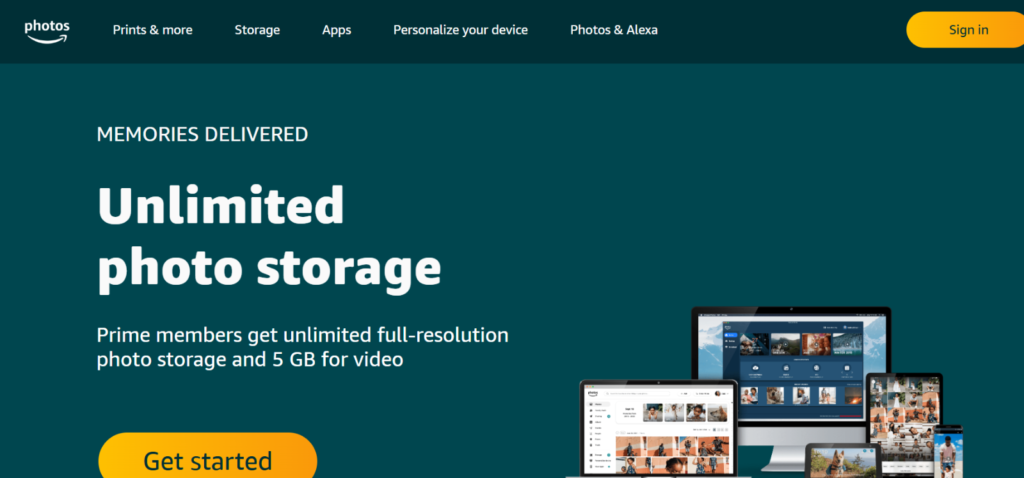
8. Amazon Photos: Best for Prime members backing up originals
Amazon Photos is a photo storage and sharing service included with Amazon Prime membership, making it a cost-effective option for Prime subscribers who want unlimited photo storage in original resolution. It supports RAW file uploads and stores photos without compression — a meaningful advantage for professional photographers who are already Amazon Prime members.
The sharing features are functional but basic. Amazon Photos allows shared albums and family vaults but lacks the advanced delivery features that event photographers need — no face recognition for guest photo discovery, no QR code access, and no event-specific gallery tools. For personal photo backup and casual sharing, it offers excellent value for Prime subscribers. For professional event delivery, it falls short.
- Best For: Personal photo backup, Prime subscribers, RAW file storage
- Key Features: Unlimited photo storage, RAW support, shared albums, family vault
- Compression: None – original resolution storage
- Pricing: Free with Amazon Prime ($139/year); 5GB free without Prime
- Platforms: Web, iOS, Android, Fire TV
9. iCloud Photos: Best for sharing inside the Apple ecosystem
iCloud Photos is Apple’s native photo storage and sharing solution, deeply integrated into the iPhone and Mac ecosystem. For photographers who shoot and share primarily within the Apple ecosystem, iCloud Photos offers a seamless experience — photos sync automatically across all Apple devices and can be shared via iCloud links in original resolution.
The main limitation is platform exclusivity. iCloud works best for Apple-to-Apple sharing. Non-Apple users can access shared albums via a web link, but the experience is less smooth and some features are unavailable. For event photographers delivering photos to a mixed audience of iPhone and Android users, iCloud is not the most practical choice.
- Best For: Apple ecosystem users, personal photo sharing between iPhone and Mac
- Key Features: Automatic sync, original resolution storage, shared albums, iCloud links
- Compression: None with “Download and Keep Originals” enabled
- Pricing: Free up to 5GB
- Platforms: iOS, macOS, Web (limited Android support)
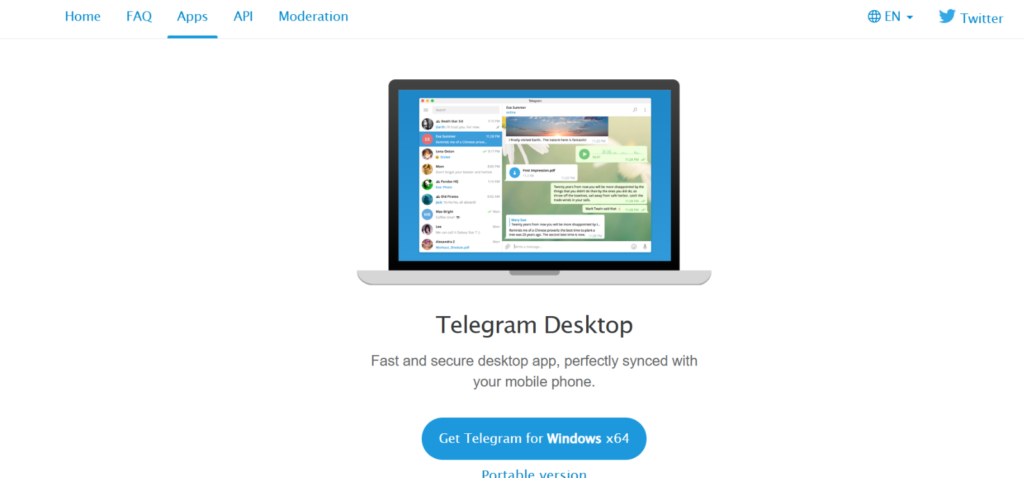
10. Telegram: Best free way to send uncompressed photos one to one
Telegram is primarily a messaging platform, but it has earned a place on this list because it is one of the few messaging apps that does not compress photos when they are shared as files rather than images. By sending photos as documents in Telegram, photographers can deliver original resolution files to recipients without any quality loss — a useful workaround for quick, direct deliveries.
The limitation is that Telegram is a messaging tool, not a photo delivery platform. There are no gallery features, no organized event albums, no face recognition, and no way to manage large photo deliveries to multiple guests simultaneously. It works for sending a handful of high resolution photos directly to a single recipient but is not scalable for event photography.
- Best For: Direct one-to-one photo delivery, quick file sharing
- Key Features: No compression when shared as document, cloud storage, cross-platform
- Compression: None when shared as document/file
- Pricing: Free
- Platforms: Web, iOS, Android, Windows, macOS
Why Most Photo Sharing Apps Compromise on High Resolution Photo Quality
To understand why so many photo sharing apps fail at delivering high resolution photos, it helps to understand what actually happens when you share a photo through a standard platform.
Most mainstream apps like WhatsApp, Instagram, Facebook, and even some dedicated photo platforms automatically compress images before delivering them. This compression reduces file size, which makes photos faster to load and cheaper for the platform to store and serve. The trade-off, however, is a noticeable drop in image quality particularly for high resolution photos where detail, sharpness, and color accuracy matter most.
The Compression Problem
When a high resolution photo is compressed, the app reduces the number of pixels and discards image data that it considers unnecessary. For a casual selfie shared between friends, this might not matter much. But for a professional event photographer delivering a wedding gallery, or a corporate event host sharing photos with hundreds of attendees, compression makes a significant difference, turning sharp, detailed images into visibly degraded versions of the original.
WhatsApp, for example, compresses photos so aggressively that a 5MB professional image can arrive at the recipient’s phone as a fraction of its original quality. Instagram does the same. Even platforms that claim to support high resolution uploads often apply size limits that cap the maximum file size meaning the photo you uploaded and the photo your guest downloads are not the same file.
The Hidden Cost of “High Resolution” Uploads
Some photo sharing platforms offer high resolution uploads but attach a cost to them that is not always immediately clear to photographers and event hosts.
Kwikpic, for example, uses a credit-based pricing model where uploading a high resolution photo consumes up to 2.5 credits per image – compared to 1 credit for a standard upload. With file sizes also capped at 2MB per image, what is marketed as high resolution delivery often falls short of what photographers actually need, especially when shooting in RAW or exporting large JPEG files from professional cameras.
For large events where thousands of photos need to be delivered in original quality, these credits run out quickly and the costs become unpredictable. A photographer uploading 10,000 high resolution photos could consume 25,000 credits in a single event, a cost that adds up fast and is not always apparent when signing up for the platform.
On top of that, Kwikpic allows storage reusability only once per plan. Once a photographer fully utilizes their photo quota, they can delete existing events and reuse the storage only one time after which they must upgrade their plan to continue uploading. For photographers handling multiple events throughout the year, this becomes a recurring and frustrating limitation.
What True High Resolution Photo Sharing Looks Like
True high resolution photo sharing means one thing – the photo your guest or client downloads is identical to the photo you uploaded. No compression. No size caps. No quality loss at any point in the process. The resolution, detail, and color accuracy of the original file are preserved completely from upload to download.
This is the standard that the best photo sharing apps for high resolution photos in 2026 are built around and it is the benchmark we used to evaluate every app in this guide.
What to Look for in a High Resolution Photo Sharing App
Not every photo sharing app is built to handle high resolution photos the way photographers and event hosts need. Before choosing a platform, here are the key things to look for:
Zero Compression Delivery
The most important factor is whether the platform delivers photos in their original resolution without any compression. The photo your guest or client downloads should be identical to the file you uploaded are in the same resolution, same file size and in same quality. If a platform applies any compression at any point in the process, it does not qualify as a true high resolution photo sharing app.
No File Size Caps
A platform that claims to support high resolution photos but caps file sizes at 1MB or 2MB per image is not truly built for professional photography. High resolution photos from professional cameras regularly exceed 5MB, 10MB, or even more. The right platform should handle these files comfortably without forcing photographers to downsize their exports just to fit within upload limits.
Transparent and Predictable Pricing
Credit-based pricing models can make costs unpredictable — especially for event photographers who regularly shoot large events with thousands of photos. The best high resolution photo sharing apps offer clear, straightforward pricing that does not penalize photographers for uploading more photos or higher quality files.
Easy Access for Guests and Clients
A high resolution photo sharing app is only as good as the experience it creates for the people receiving the photos. Guests should be able to access their photos easily without complicated login processes, mandatory app downloads, or confusing navigation. Features like QR code access and AI-powered face recognition make the receiving experience seamless for everyone.
Privacy and Security Controls
Event photos often include private moments shared among a limited group of people. The right platform should give photographers and event hosts full control over who can view, download, and share photos with options like password protection, access controls, and encrypted storage.
Bulk Download Support
For events with hundreds or thousands of photos, guests and administrators need the ability to download photos in bulk, not one at a time. A platform that lacks bulk download functionality creates unnecessary friction for both photographers and their clients.
Which Photo Sharing App Should You Choose for High Resolution Photos in 2026?
With so many options available, the right high resolution photo sharing app depends entirely on who you are, what you are sharing, and who you are sharing it with. Here is a breakdown to help you make the right decision:
If You Are an Event Photographer or Event Host
If you are a professional photographer or event host delivering high resolution photos to clients and guests at scale in events like weddings, corporate events, marathons, birthdays, or any large gathering. TurtlePic is the clear choice. It is the only platform on this list built end-to-end for event photo delivery, combining original resolution delivery with AI face recognition, QR code access, real-time sharing, and a guest experience that feels premium from the moment photos are uploaded.
It has no cap when it comes to uploading photos and with the absence of a credit based system, it gives more flexibility to photographers as they have the option to delete any older events and to reuse the storage which many photo sharing platforms lack. With TurtlePic, costs are predictable regardless of how many photos you upload or how large your files are, which matters enormously when you are shooting events with thousands of high resolution photos.
If You Are Looking for an AI-Powered Sharing App for Smaller Events
If your events are smaller in scale and you are comfortable working within a credit-based pricing model, Kwikpic is a capable option. Its AI face recognition works well for smaller gatherings, and the platform offers useful features like group-based sharing, privacy controls, and branding options. Just be mindful of the credit consumption for high resolution uploads and the 2MB file size cap if you are delivering professional camera files.
If You Need Simple File Delivery to a Single Client
For photographers who need to deliver a batch of high resolution files to a single client quickly and without complications, Dropbox or WeTransfer are both solid choices. Both deliver files without compression, both are straightforward to use, and both require minimal setup. WeTransfer is better for one-time quick deliveries while Dropbox works better for ongoing client relationships where files need to remain accessible over a longer period.
If You Want a Professional Portfolio Alongside Photo Delivery
For photographers who want a platform that doubles as a professional portfolio and sales tool, SmugMug is the strongest option. Its unlimited storage, customizable galleries, and built-in e-commerce features make it a genuine business tool for photographers who want to showcase and sell their work alongside delivering client galleries.
If You Are an Apple User Sharing Within the Apple Ecosystem
For personal photo sharing between iPhone, iPad, and Mac users, iCloud Photos is the most seamless option. Photos sync automatically, original resolution is preserved, and the sharing experience is smooth for anyone within the Apple ecosystem. If your recipients are all Apple users, iCloud is the simplest high resolution sharing solution available.
If You Are on a Tight Budget
For photographers and individuals who need high resolution photo sharing without any cost, Google Photos with Original Quality enabled, Flickr’s free plan, or Telegram’s document sharing feature are all viable options. Each comes with its own limitations, storage caps, platform restrictions, or lack of event-specific features – but for budget-conscious users who prioritize cost over advanced functionality, these platforms get the job done.
Frequently asked questions
How do you share photos without losing quality?
Use a platform that delivers files at their original resolution instead of a messaging app. WhatsApp, Instagram and Facebook compress images on upload. TurtlePic, Dropbox and SmugMug all deliver the file exactly as it was uploaded, with no re-encoding.
How do you share 1000 photos at once?
Upload them in bulk to an event gallery and share one link or QR code, rather than sending them individually. TurtlePic handles galleries of several thousand photos and uses face recognition so each guest receives only their own images instead of scrolling the full set.
Which app is best for sharing photos without losing quality?
For events, TurtlePic – no file size cap, no credit system, and it delivers originals including files over 30MB. For single-client file delivery, Dropbox or WeTransfer. For portfolio hosting with sales, SmugMug. For personal storage, Google Photos on a paid plan with Original Quality enabled.
Does WhatsApp reduce photo quality?
Yes. WhatsApp compresses images by default, and a 5MB professional photo can arrive as a small fraction of its original quality. Sending photos as a document preserves the file, but WhatsApp caps document size and the method does not scale to event-sized galleries.
What is the largest photo file size you can share on TurtlePic?
There is no file size cap. TurtlePic delivers photos at the resolution they were uploaded, including files over 30MB, and supports event video up to 4K. Guests download the same file the photographer uploaded.
How do professional photographers send photos to clients?
Most use a dedicated gallery platform rather than email or messaging, because those compress files and cap attachment sizes. Event photographers increasingly use platforms with face recognition so guests self-serve their own photos, which removes the manual sorting step entirely.
Conclusion: Finding the Best Photo Sharing App for High Resolution Photos
High resolution photos deserve high resolution delivery. After investing time, skill, and effort into capturing and editing every image, the last thing any photographer or event host should have to worry about is whether the platform they use to share those photos will quietly compress them into something unrecognizable.
The platforms on this list represent the best options available in 2026 for sharing photos without losing quality. Each one has its strengths from Dropbox’s straightforward file delivery to SmugMug’s professional gallery experience to Google Photos’ convenience for everyday personal sharing. But when it comes to the specific demands of event photography, high volumes, multiple guests, original resolution delivery, and a seamless receiving experience – the gap between a general-purpose platform and a purpose-built one becomes impossible to ignore.
TurtlePic was built to solve exactly these problems. Original resolution delivery with no compression, no credit system, no file size caps, and no reusability restrictions, combined with 99.9% AI face recognition, QR code access, real-time photo sharing, and a guest experience that consistently leaves clients and attendees impressed. Whether you are shooting an intimate wedding or a large-scale corporate event, TurtlePic ensures that every photo reaches every guest exactly as it was meant to be seen.