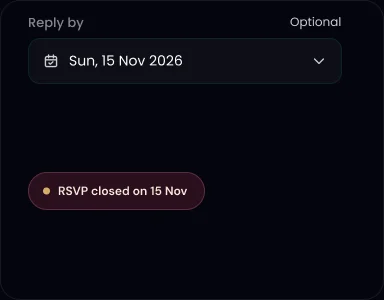
Reply-by date. RSVP closes after the date you set.

An online RSVP lets guests reply from one link instead of calling or messaging you. On TurtlePic, it comes built into your invite, and every reply lands in one list.
Free Forever plan, no credit card needed.
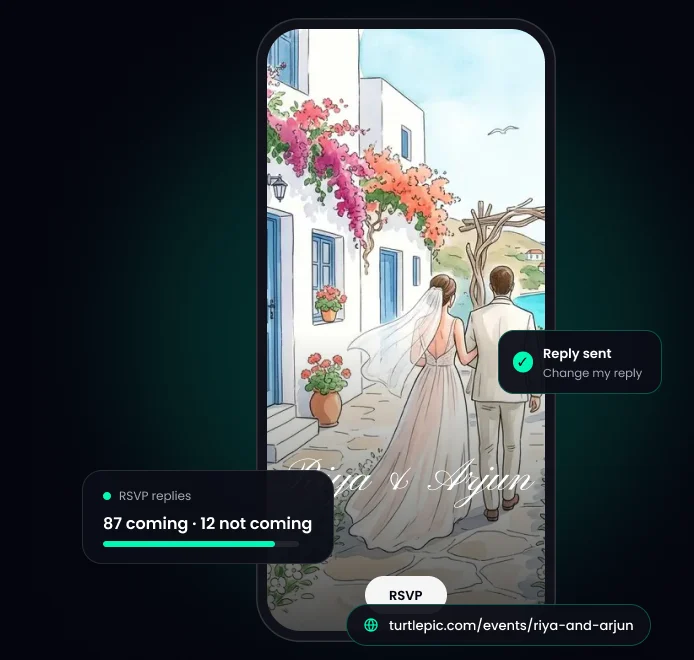
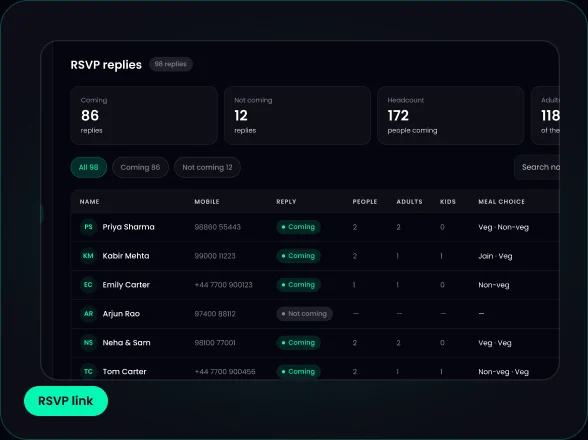
In short: TurtlePic gives you a free online RSVP as part of your invite. Share the link on WhatsApp, by QR code or by email. Guests say how many people are coming, and every reply lands in Guests, ready to export to Excel.
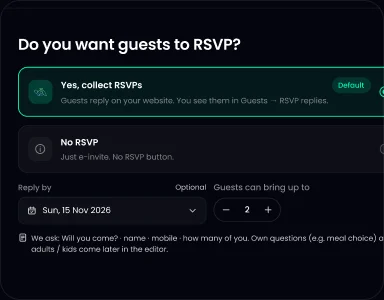 1Set up your RSVP.
Choose a reply-by date, how many people each guest can bring and your own questions.
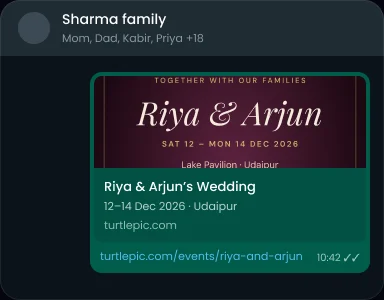 2Share your RSVP link.
On WhatsApp, by QR code or by email.
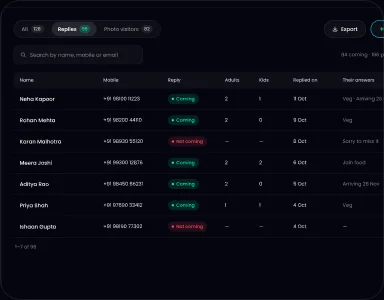 3See every reply.
They land in Guests, ready to export to Excel.
Guests tap RSVP, say if they’re coming and how many people are coming, then answer your questions. There is no sign-up and no OTP.
You can split adults and kids, and ask for a phone number or email as required or optional.
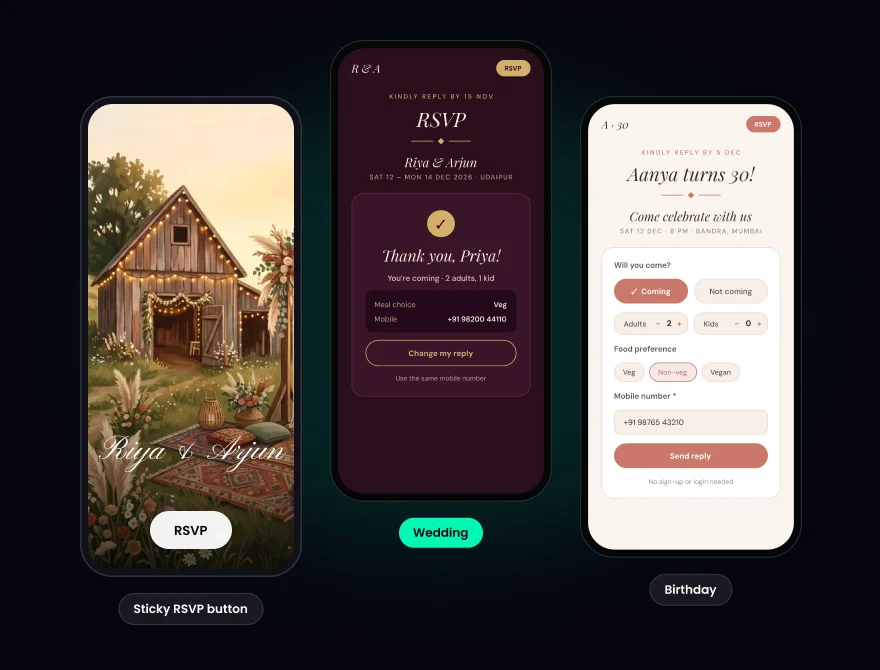
Reply-by date. RSVP closes after the date you set.
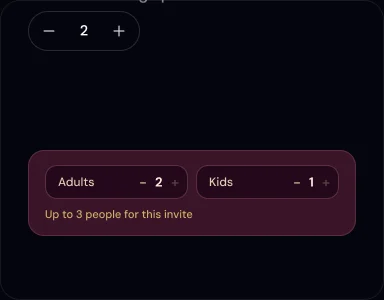
Guest limit. Set how many people one guest can reply for.
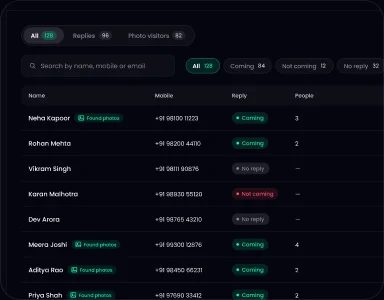
Your guest list. Add guests one by one or by Excel upload.
Email reminders. Guests who reply Yes get “You’re on the list” right away, then a reminder 1 day before and 2 hours before. Reminders go by email. You can change these reminders to suit your event.
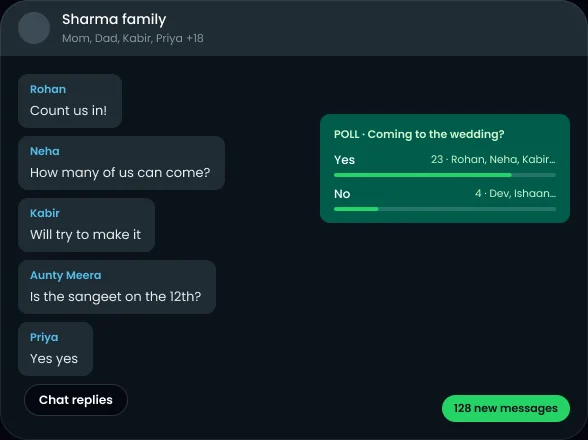
Replies in WhatsApp chats get buried, and group polls show everyone’s answer. An RSVP link gives you private replies and one list.
Samples only. Change the dates and link.
Kindly RSVP by 20 January so we can plan for you: [your link]
Please scan the QR code to RSVP by 20 January.
We’d love to know if you can make it. It only takes a minute to reply: [your link]
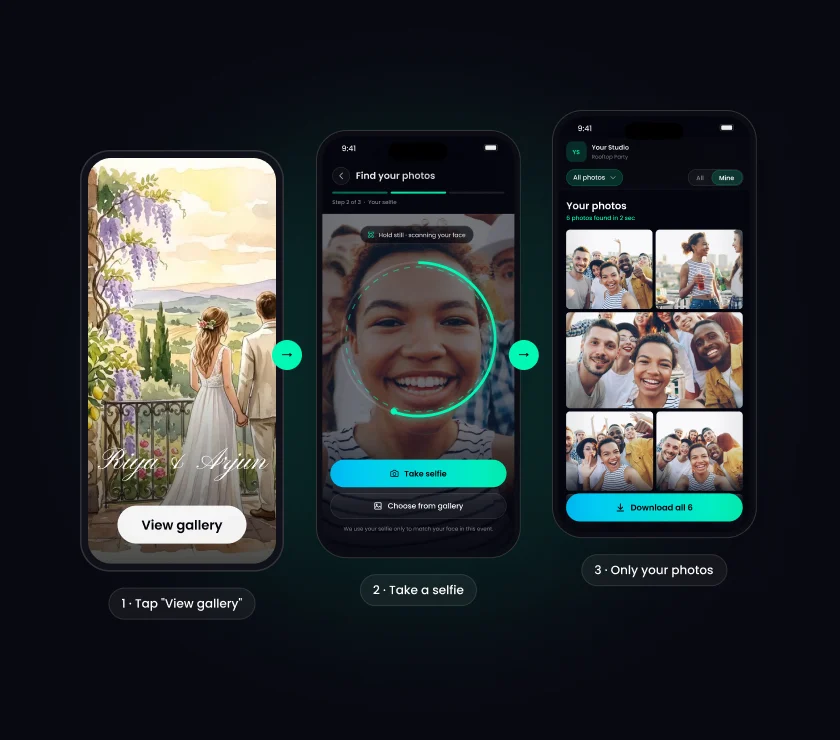
The same link has a “View gallery” button. After the event, guests find their own photos with AI face recognition.

e-invite: make yours with AI, free.

wedding invitation: one link for the whole wedding.

Indian wedding invitation: for weddings with many functions.

wedding invitation templates: see all 8 designs.
RSVP stands for “répondez s’il vous plaît”, French for “please reply”. On an invitation it asks guests to say whether they are coming, usually by a set date. With TurtlePic, guests reply by tapping a link instead of calling or messaging the host.
Yes. TurtlePic RSVP is free on every plan, including the Free Forever plan, no credit card needed. It is part of your free invite, and the Free Forever plan gives you up to 5 free invites, one per event.
Sign up for TurtlePic’s Free Forever plan, pick a template and answer a few questions. AI builds your invite from your answers, and your RSVP link is your invite link.
Paste your TurtlePic link into a chat, a group or a personal message to each guest. Each guest replies on your invite in a few taps, so nobody sees anyone else’s answer.
No. Guests reply to your TurtlePic invite in their phone browser. There is no sign-up, no login and no OTP.
Yes. On TurtlePic you can ask about meal preference, travel and arrival, a place to stay or song requests, and add up to 5 of your own questions.
Yes. TurtlePic emails guests who reply Yes. They get “You’re on the list” right away, then a reminder 1 day before and 2 hours before.
Yes. On TurtlePic, a guest can change their reply with the same mobile number or email, and their earlier reply is updated.
Yes. TurtlePic shows your replies in Guests, and you can export them to Excel.
Yes. TurtlePic RSVP works for engagements, anniversaries, birthdays, kids’ parties, baby showers and naming ceremonies as well as weddings.
After the event, TurtlePic hides the RSVP form and the same link shows the gallery, Blessings and Our Story. You can also choose to keep RSVP open.
On TurtlePic they are one link. Guests open your e-invite to see the date, venue and details, and RSVP from the same page.
Explore by occasion
One link, every reply, one list.
Create your invite free