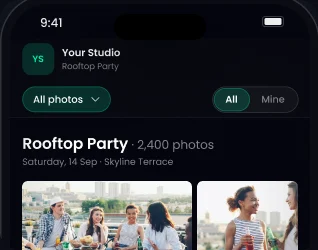
Choose who sees what
Show everyone’s photos, or only each guest’s own.

Upload your event, and with AI face recognition guests click their selfie and can find their photos instantly among thousands of photos. It works for weddings, conferences, college fests, sports days and every event in between.
Free Forever plan, no credit card needed.
Trusted by 1,000+ businesses · 500K+ users · Used in 30+ countries
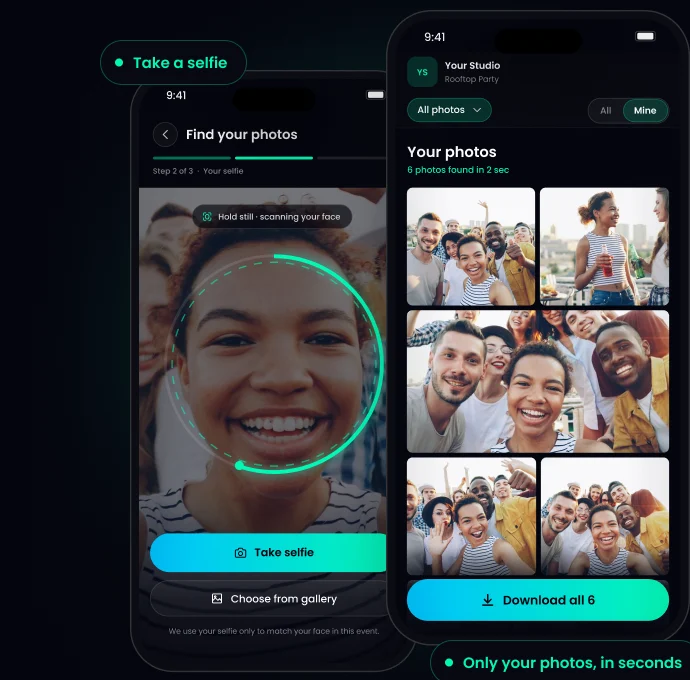
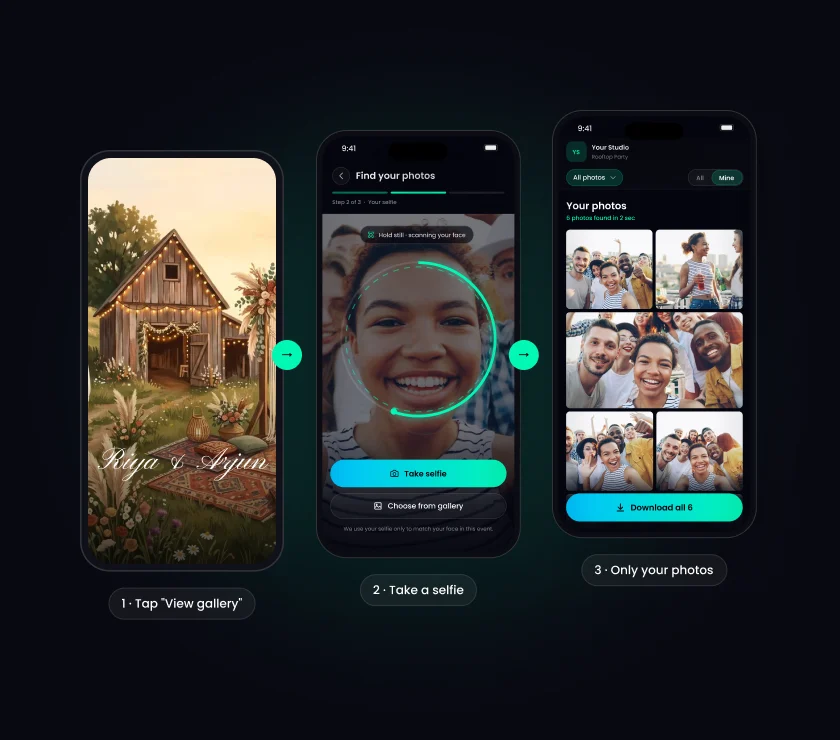
In short: TurtlePic uses AI face recognition to share event photos. The photographer uploads the event and shares one link or QR code. Each guest takes a selfie and sees every photo they’re in within seconds, with 99.9% accurate face search and no app to install.
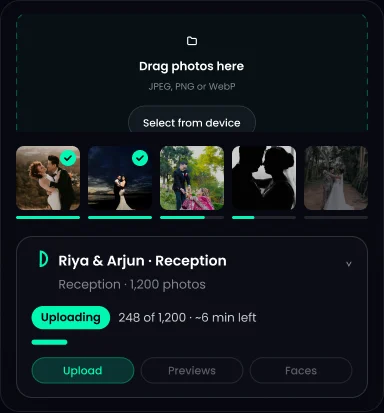 1Upload your photos.
Batch upload, or import from Google Drive on paid plans.
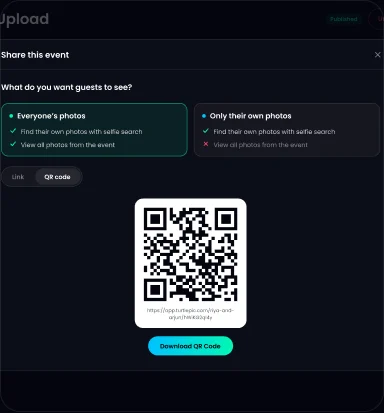 2Share one link or QR code.
On a standee, a screen, by email or on social media.
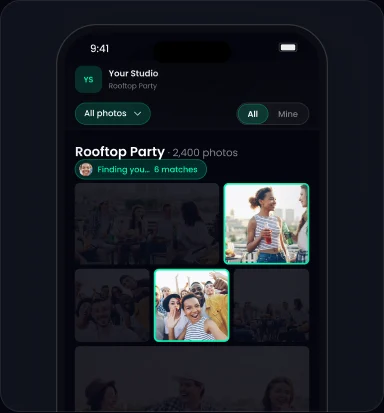 3That’s it.
Face search is on for every event.
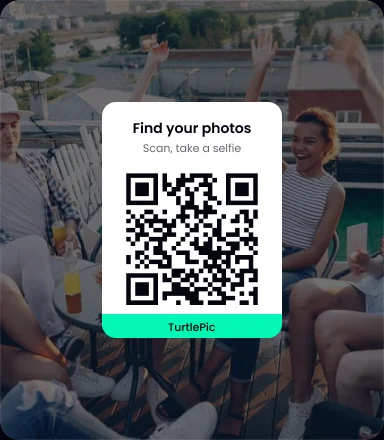 1Open the link or scan the QR code.
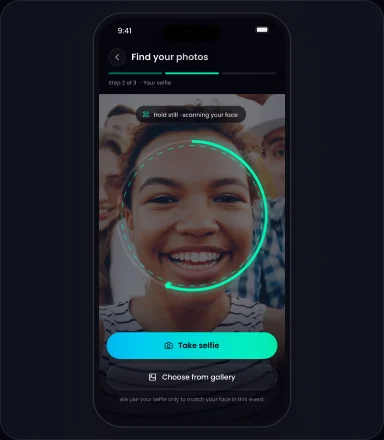 2Tap “Find my photos” and take a selfie.
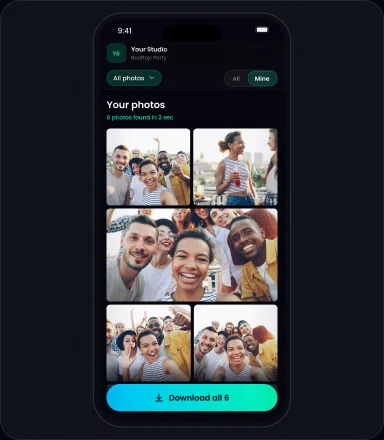 3See only your photos.
Download, save favourites or share.
No more scrolling through hundreds of photos in a drive or WhatsApp group. Each guest gets their own photos in seconds.
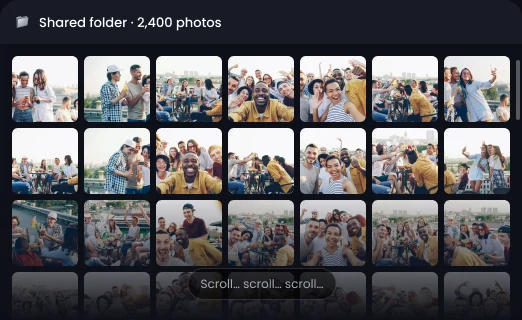
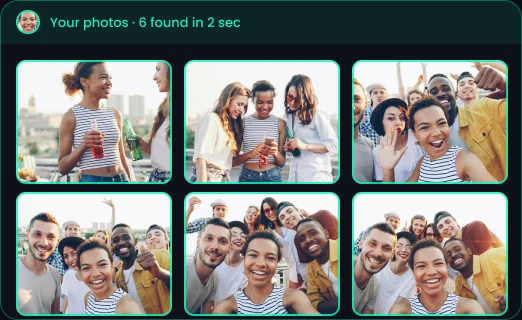
Show everyone’s photos, or only each guest’s own.

Logo, watermark, colours and 12 cover designs. Your own logo and watermark on paid plans.
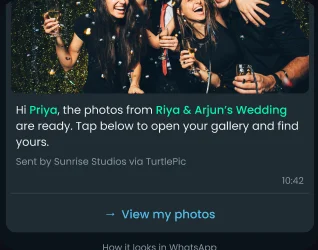
One private message with a “View my photos” button. Paid plans, pay per message.
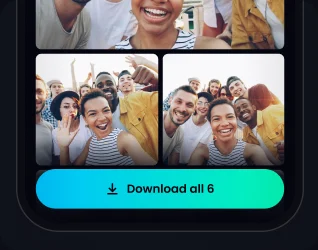
Guests download and save favourites. Clients pick photos for the album. ZIP download on paid plans.

Guests register before the photos are ready.
register before the photos are ready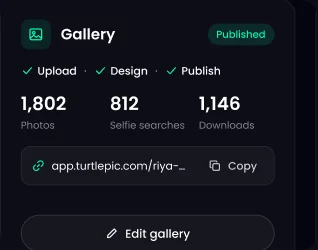
Views, searches, downloads and locations. Guest details and enquiries come straight to you.
Use TurtlePic for weddings, corporate events, conferences, school and college events, sports events, concerts and festivals, exhibitions and trade shows and birthdays and private parties.




Samples only. Change the link.
We’ll share the photos after the event. No need to scroll through all of them. Open this link and take a selfie to see every photo you’re in: [your link]
Your photos are ready. Open this link, tap “Find my photos” and take a selfie to see every photo you’re in: [your link]
Hosting the event yourself? Make a free e-invite with RSVP. Pick a template, answer a few questions, and AI builds the invite from your answers. Its “View gallery” button opens the photos after the event.

AI face recognition photo sharing is a way to deliver event photos where each guest finds their own photos with a selfie. On TurtlePic, the photographer uploads the event, shares one link or QR code, and every guest sees only the photos they’re in.
TurtlePic’s AI face search is 99.9% accurate. Guests usually see their photos within a few seconds of taking a selfie.
Open the gallery link or scan the QR code your photographer shared, tap “Find my photos” and take a selfie. TurtlePic shows every photo you’re in from that event. It works in the browser on any phone or computer with a camera.
Yes. AI face search works on the TurtlePic Free Forever plan, with unlimited guests, downloads and photos within 5 GB, for 5 events at a time and no credit card. Paid plans add storage, unlimited events and your own branding. See pricing
Yes. You can paste the TurtlePic gallery link into any WhatsApp chat or group for free. On paid plans, TurtlePic can also send each guest a private WhatsApp message with a “View my photos” button, pay per message.
That is the host’s choice. A TurtlePic gallery can show everyone’s photos, or show each guest only the photos they’re in.
Yes. TurtlePic lets guests register before the photos are ready, so they are set when the gallery goes up.
Yes. Paid TurtlePic plans let you add your own logo and watermark. Every plan includes the 12 cover designs.
Explore by occasion
Upload once. Let a selfie do the sorting.
Start free