Together with our families, Riya & Arjun invite you to celebrate our wedding. Please see the details and reply here: [your link]

A wedding invitation works best as one link: your invite, schedule, venue map and RSVP, all in one place. Pick a template, answer a few questions, and TurtlePic’s AI builds the invite from your answers.
Free Forever plan, no credit card needed.
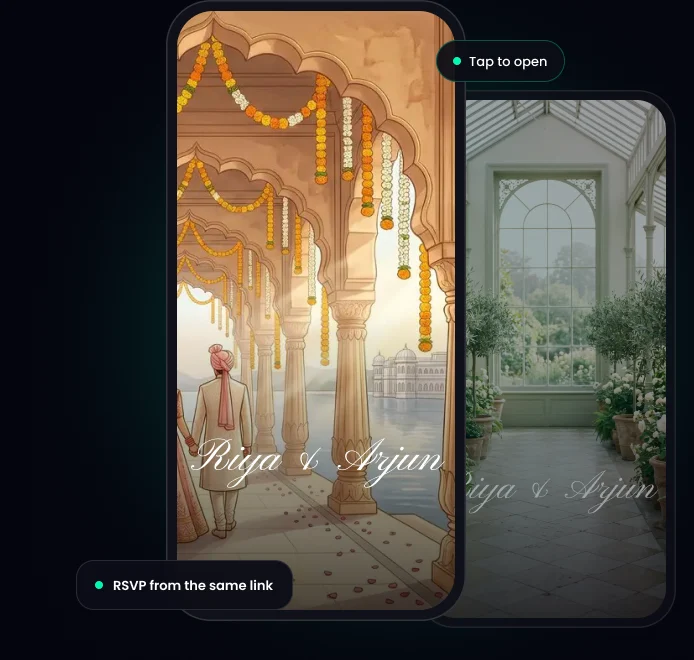
In short: TurtlePic is a free wedding invitation maker. Pick a template, answer a few questions, and AI builds your digital wedding invitation from your answers. Share one link on WhatsApp or by email. Guests reply from that link and, after the wedding, find their own photos with a selfie.
A PDF looks lovely once. Then come the questions: where, when, what to wear, how to reply.
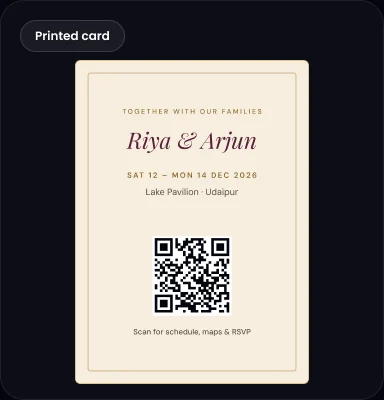
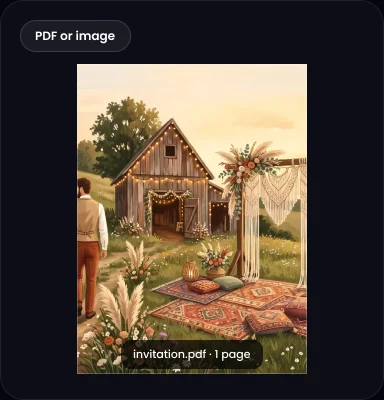
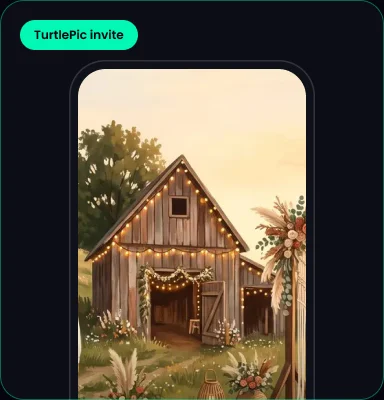
| PDF or image | Video | TurtlePic invite | |
|---|---|---|---|
| Opening moment | No | Yes | Yes |
| Every function’s timing | One page | Hard to pause | Every function |
| Venue map | Address only | Address only | “Get directions” |
| RSVP | Messages | Messages | Built-in form |
| Change after sending | New file | New video | Same link |
| Photos afterwards | No | No | Selfie search |
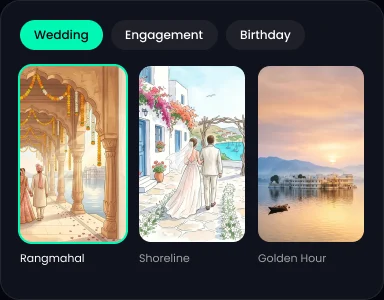
Each template has its own opening and its own music, which you can switch off:




 1
Choose your event type and one of 8 templates.
 2
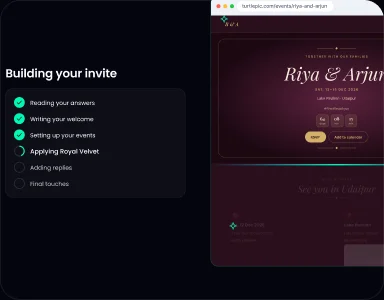
Names, date, venue, functions and RSVP.
 3
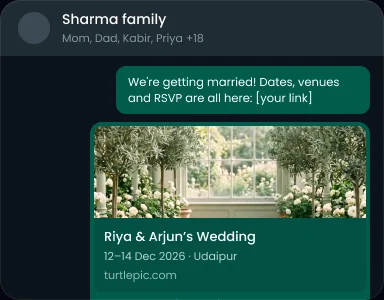
Paste it on WhatsApp, send it by email or add the QR code to printed cards.
Samples only. Change the names, dates and link.
Together with our families, Riya & Arjun invite you to celebrate our wedding. Please see the details and reply here: [your link]
We’re getting married! Dates, venues and RSVP are all here: [your link]
Riya & Arjun are getting married on 14 February. Please save the date and reply by 20 January: [your link]
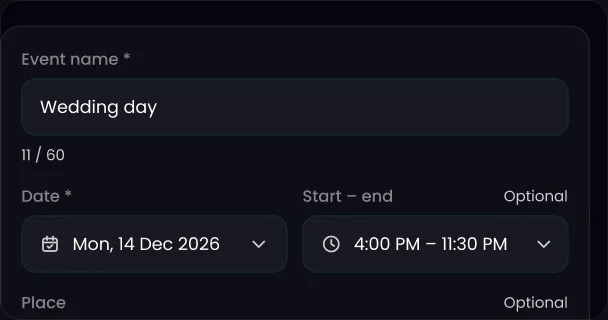
Yes. Edit it, and everyone sees the new details on the same link. Nobody is stuck with an old PDF.
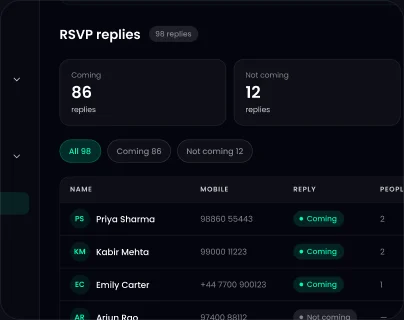
Guests say how many people are coming and answer your questions, like a meal choice. There is no login and no OTP, and replies land in Guests.
Guests who reply Yes get “You’re on the list” by email right away, then a reminder 1 day before and 2 hours before.
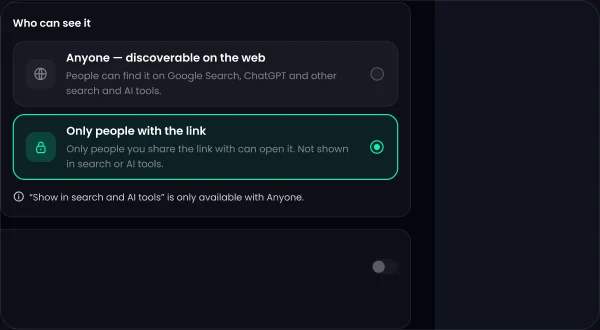
How RSVP worksYou choose whether your invite shows on Google. Turn “Show in search and AI tools” on or off in Share settings.
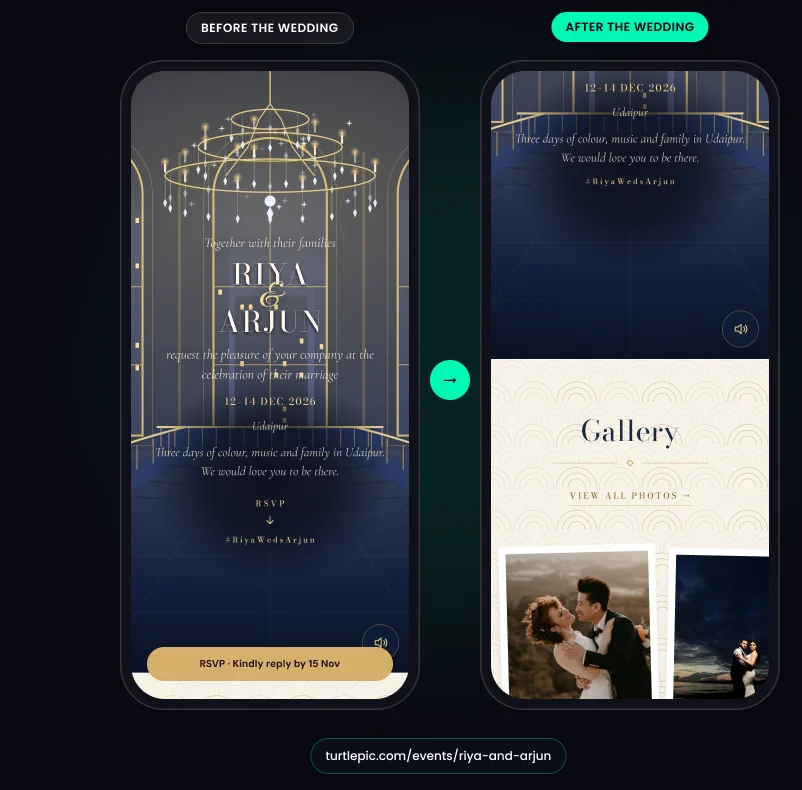
After the wedding, the same link opens the photos. Guests tap View gallery and find theirs with AI face recognition.
The invite also switches on its own to a memory page with your photos, Our Story and a Blessings wall where guests leave wishes and photos.
Indian wedding invitation: every function, from haldi to reception.
wedding website: travel, stay, family and everything else guests ask about.
Free on the Free Forever plan, no credit card needed. Paid plans remove the “Made with TurtlePic” badge.
A digital wedding invitation is one you send as a link or file instead of on paper. With TurtlePic, it is a single link with your invite, schedule, venue map and RSVP form.
Yes. You can create and send a wedding invitation on TurtlePic’s Free Forever plan, no credit card needed. Free invitations show a “Made with TurtlePic” badge, and paid plans remove it.
Copy your TurtlePic invitation link and paste it into a WhatsApp chat or group with a short message. Guests tap it and the invitation opens in their phone’s browser, with a preview in the chat.
Yes. On TurtlePic, guests say how many people are coming and answer any questions you add. Every reply lands in Guests, so you can see your headcount.
Yes. Edit your TurtlePic invitation and make the change live. The link stays the same, so every guest sees the latest details.
No. A TurtlePic wedding invitation opens in any phone or computer browser. There is no app to install and no account to create.
Yes. You can print your cards with the QR code for your TurtlePic invitation, so guests can open the full schedule and RSVP.
After your wedding date, your TurtlePic invitation switches on its own to a post-event version on the same link. Guests find their photos there with a selfie, next to your Blessings and Our Story.
Explore by occasion
Once to RSVP, and once after the wedding to find their photos.
Create your invite free