Everything you need for Riya & Arjun’s wedding is here, from venues to travel: [your link]

A wedding website is the one place guests go for everything: dates, venues, travel, what to wear and how to reply. With TurtlePic, your invite is also your wedding website, so there is nothing extra to build.
Free Forever plan, no credit card needed.
Trusted by 1,000+ businesses · 500K+ users · Used in 30+ countries
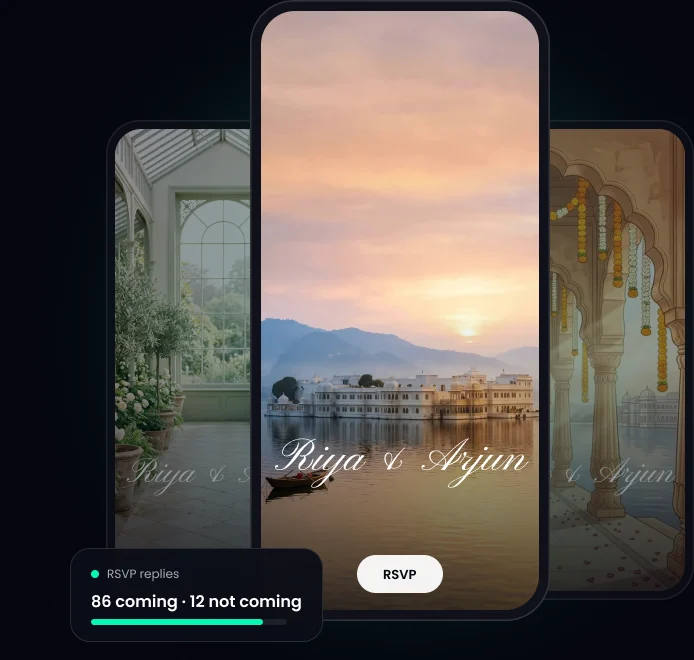
In short: TurtlePic gives you a free wedding website with RSVP. Pick a template, answer a few questions, and AI builds it from your answers. Guests get one link for every detail, and after the wedding it becomes a memory page where they find their own photos with a selfie.
A wedding invitation is what you send. Your wedding website is what guests keep coming back to. On TurtlePic they are the same link, so you only make it once.
Add what you need and leave out the rest.
| Section | What guests see |
|---|---|
| Our story | How you met |
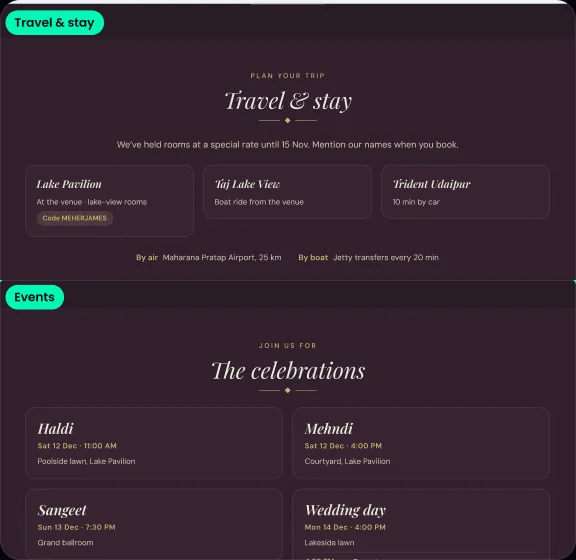
| Events | Each function’s date, time and place |
| Venue | Address and “Get directions” |
| Dress code | One look, or one per function |
| Travel & stay | Hotels and how to reach you |
| Transport & shuttle | Pick-ups between venues |
| Family | The people guests should know |
| RSVP | A quick reply form |
| Blessings wall | Guests leave wishes and photos |
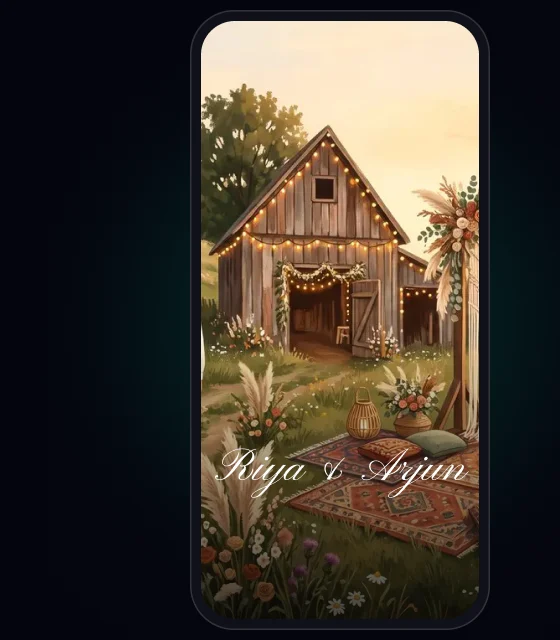
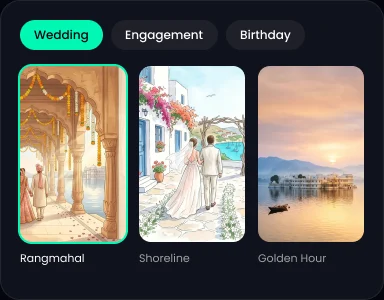 1Pick a look.
One of 8 templates.
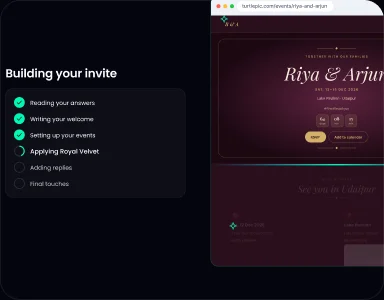 2Add your details and AI builds your invite.
Edit anything after.
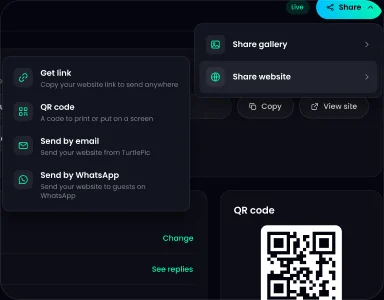 3Make it live and share the link.
Send it in any chat or print the QR code.
For a wedding with many functions, see the Indian wedding invitation.

Guests tap RSVP, say how many people are coming and answer your questions. Replies land in Guests. Guests who reply Yes get “You’re on the list” by email right away, then a reminder 1 day before and 2 hours before.
How RSVP works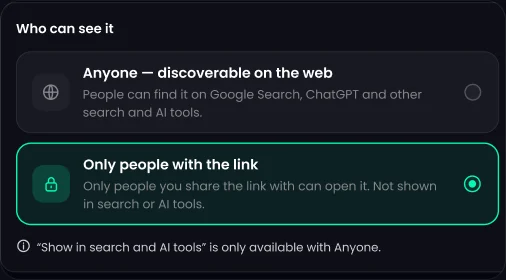
You choose whether your invite shows on Google. Turn “Show in search and AI tools” on or off in Share settings.
Rangmahal, Villa Limone, Wildflower, Shoreline, Black Tie, Royal Velvet, Golden Hour and Love Knot. Switch any time and keep your details.



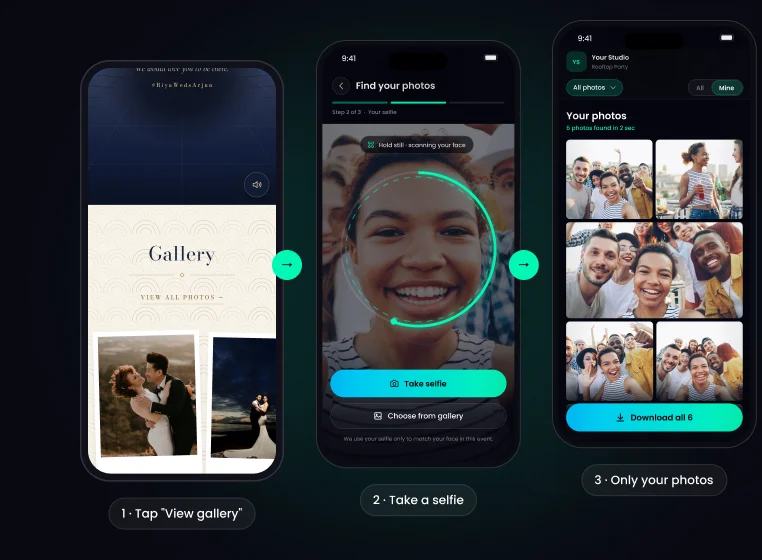
The View gallery button opens the wedding photos. Guests take a selfie and find theirs with AI face recognition, 99.9% accurate.
Once your date has passed, the site switches on its own, on the same link.
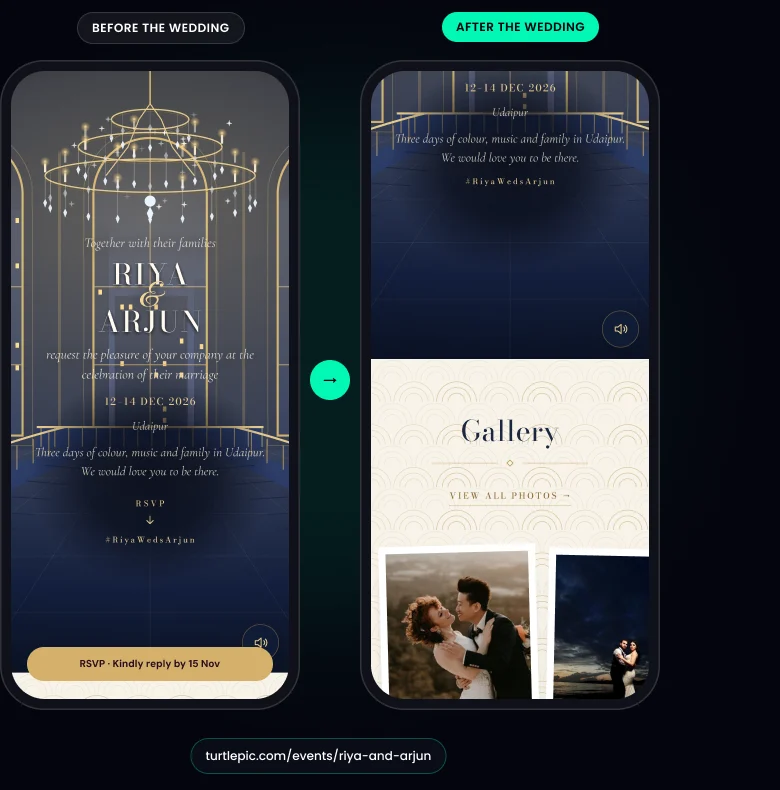
| Before the wedding | After the wedding |
|---|---|
| Names, date, countdown | Cover photo, names, date |
| Events, schedule, dress code | Your photos |
| RSVP form | Blessings |
| Venue, travel and stay | Our Story |
Samples only. Change the names, dates and link.
Everything you need for Riya & Arjun’s wedding is here, from venues to travel: [your link]
Thank you for celebrating with us. Our photos are up. Find yours with a selfie: [your link]
Make a website for each couple, linked to the gallery you deliver.
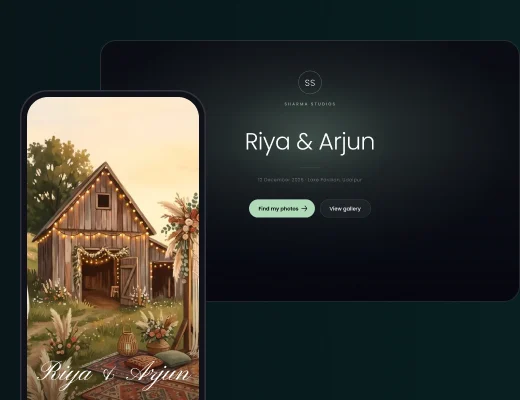
Free Forever gives you up to 5 websites, one per event, no credit card needed. Free sites show a “Made with TurtlePic” badge, and paid plans remove it.
See what paid plans add
Yes. You can create a wedding website on TurtlePic’s Free Forever plan, no credit card needed. Free websites show a “Made with TurtlePic” badge, and paid plans remove it.
On TurtlePic it is one link. You send it as your invitation, and guests use it as your wedding website for travel, venues, RSVP and photos.
Yes. Guests say how many people are coming and answer your own questions. TurtlePic shows every reply in Guests, so you can see your headcount.
Yes. On TurtlePic, you choose whether it shows on Google. Turn “Show in search and AI tools” on or off in Share settings.
Yes. A TurtlePic wedding website has a View gallery button that links to your wedding gallery. Guests take a selfie and TurtlePic shows them only the photos they’re in.
After your wedding date, your TurtlePic wedding website switches on its own to a post-event version on the same link. It keeps your cover photo, names, date, photos, Blessings and Our Story, and hides RSVP, dress code and schedule.
No. Guests open your TurtlePic wedding website in any phone or computer browser, with no app and no account needed.
Explore by occasion
Share it today. After the wedding, guests find their photos from the same link.
Create your invite free