
Try face search yourself before sharing
See exactly what your guests will see by searching your own event with a selfie.
On this page5 sections
Before you start
- A published event with photos that are ready for face search.
- Photos of you in the event, if you want to see matches.
Open your gallery link
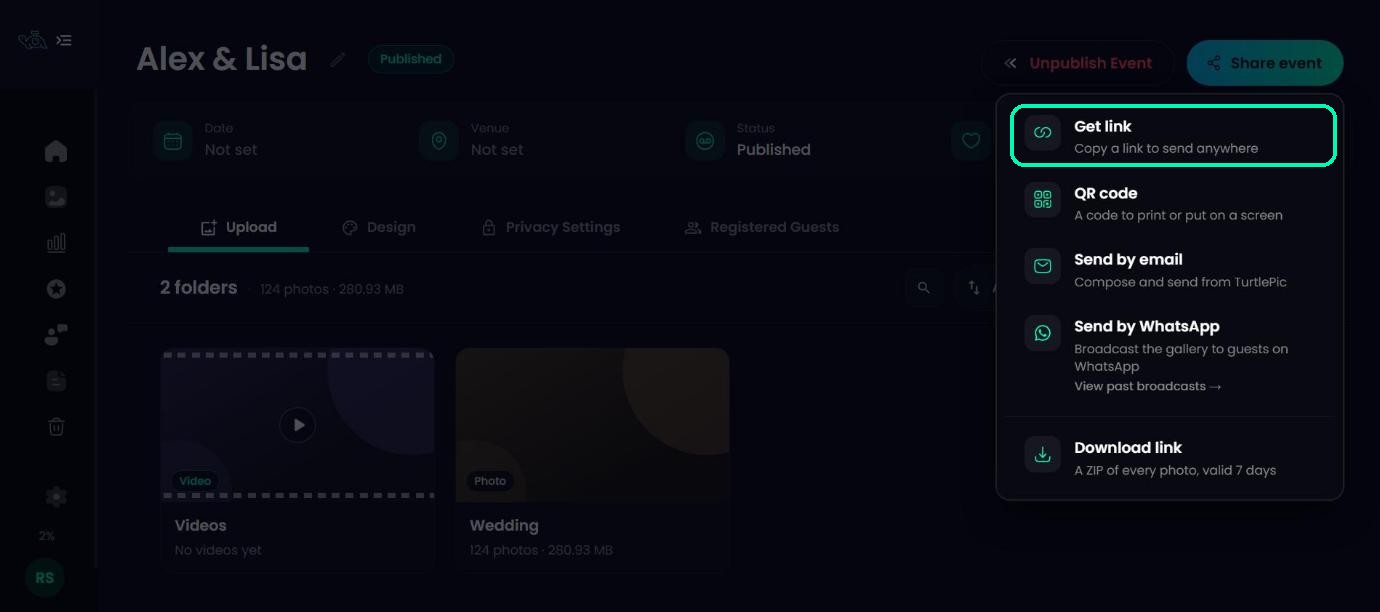
Copy your event link from Get link and open it on your phone, or in a private browser window on your computer.
Take a selfie
Tap Find my photos, fill in the form and take a selfie, just like a guest would.

Check the results
The gallery opens with the photos you’re in. If you shared the link that shows everyone’s photos, switch between All photos and My photos at the top.
Was this article helpful?
Your answer helps us improve this guide.
Thanks for letting us know.